> ## Documentation Index
> Fetch the complete documentation index at: https://docs.skyfree.io/llms.txt
> Use this file to discover all available pages before exploring further.
# Platform Billing
> Review your platform's credit or wallet balance, whitelabel purchases, ledger entries, and bandwidth costs.
## What is this?
The **Platform Billing** page is where the platform owner reviews their own credit or wallet balance, whitelabel purchases, credit/wallet ledger entries, and bandwidth (egress) costs for the platform itself — separate from the billing of individual platform users.
 ## What can I do here?
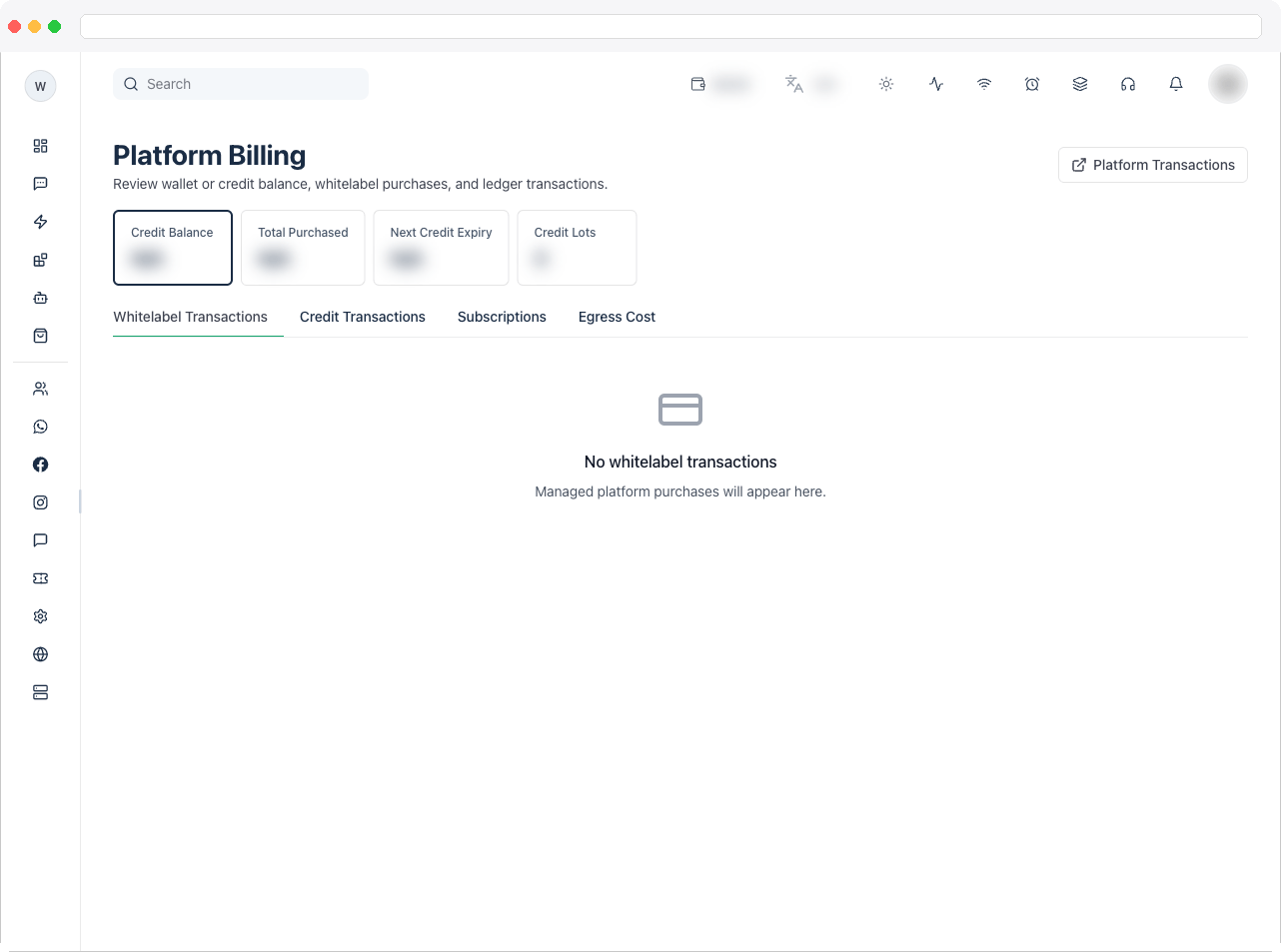
* View summary tiles for the platform's own billing status. These change depending on whether the platform runs in **credits** or **commission (wallet)** billing mode:
* Credits mode: Credit Balance, Total Purchased, Next Credit Expiry, Credit Lots
* Commission mode: Wallet Balance, Total Recharge, Wallet Expense, Whitelabel Purchases
* Switch between three tabs:
* **Whitelabel Transactions** — every managed-setup purchase, credit purchase, wallet recharge, and add-on purchase made for this platform, with status, auto-renew state, and paid date
* **Credit Transactions** or **Wallet Transactions** (label depends on billing mode) — the underlying ledger: credit lots with remaining balance and expiry, or wallet ledger entries such as recharges, commission debits, and settlements
* **Egress Cost** — bandwidth/data-transfer usage and estimated cost across all platform domains and storefronts
* Search the current tab's table by keyword (purchase name, status, provider, transaction ID, amount, and similar fields)
* Download a GST invoice (PDF) for any completed whitelabel purchase
* Filter the Egress Cost tab by month when more than one billing period is available
* Jump to the full **Platform Transactions** page from the header action button
## What can I do here?
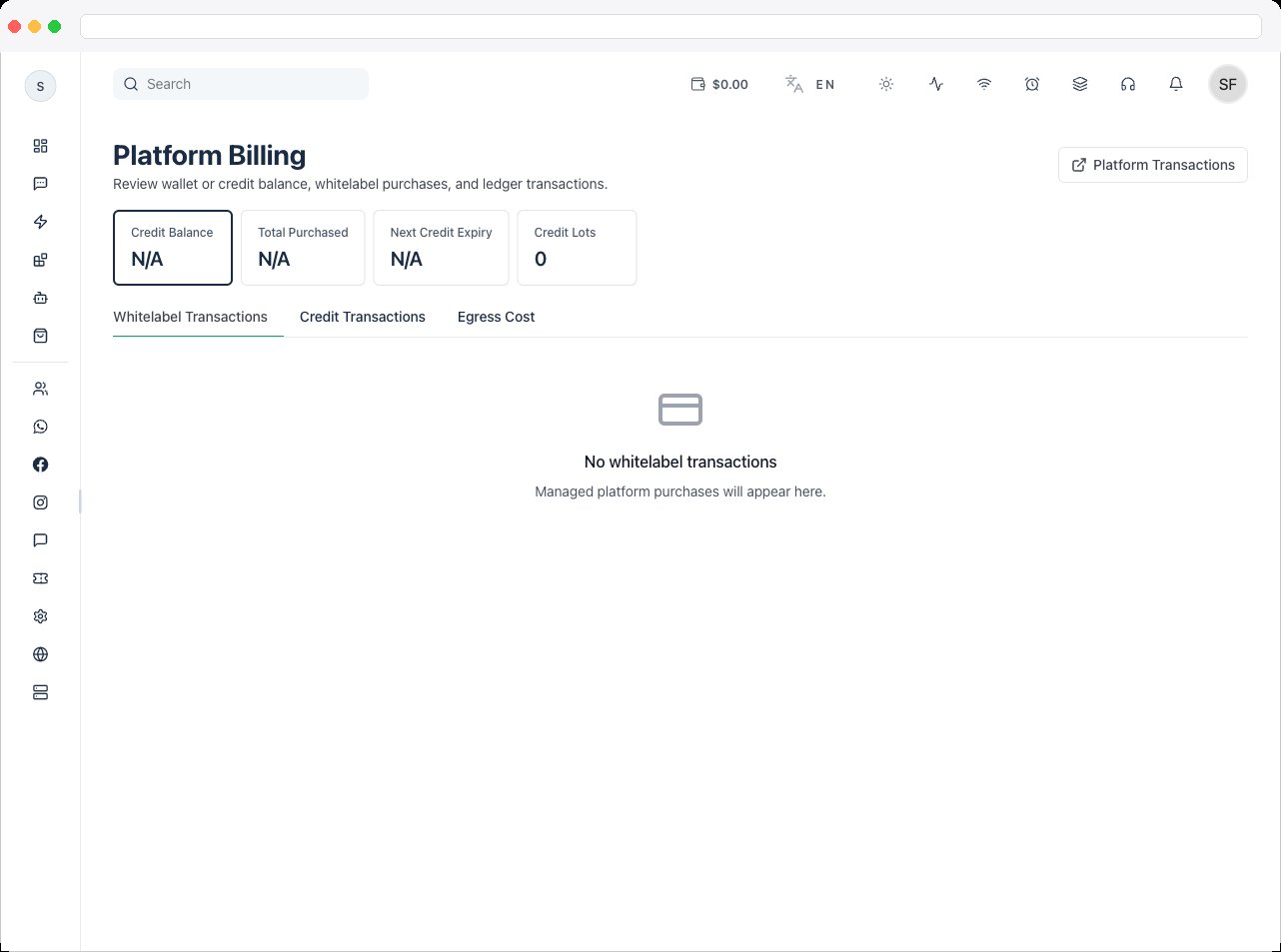
* View summary tiles for the platform's own billing status. These change depending on whether the platform runs in **credits** or **commission (wallet)** billing mode:
* Credits mode: Credit Balance, Total Purchased, Next Credit Expiry, Credit Lots
* Commission mode: Wallet Balance, Total Recharge, Wallet Expense, Whitelabel Purchases
* Switch between three tabs:
* **Whitelabel Transactions** — every managed-setup purchase, credit purchase, wallet recharge, and add-on purchase made for this platform, with status, auto-renew state, and paid date
* **Credit Transactions** or **Wallet Transactions** (label depends on billing mode) — the underlying ledger: credit lots with remaining balance and expiry, or wallet ledger entries such as recharges, commission debits, and settlements
* **Egress Cost** — bandwidth/data-transfer usage and estimated cost across all platform domains and storefronts
* Search the current tab's table by keyword (purchase name, status, provider, transaction ID, amount, and similar fields)
* Download a GST invoice (PDF) for any completed whitelabel purchase
* Filter the Egress Cost tab by month when more than one billing period is available
* Jump to the full **Platform Transactions** page from the header action button
 ## How to use it
1. Open **Platform Billing** from the Platform sidebar. The page opens on the **Whitelabel Transactions** tab.
2. Review the summary tiles at the top for a quick read on balance, purchases, and (in credits mode) upcoming expiry.
3. Use the search box to narrow the current tab's table to a specific purchase, provider, or status.
## How to use it
1. Open **Platform Billing** from the Platform sidebar. The page opens on the **Whitelabel Transactions** tab.
2. Review the summary tiles at the top for a quick read on balance, purchases, and (in credits mode) upcoming expiry.
3. Use the search box to narrow the current tab's table to a specific purchase, provider, or status.
 4. Choose a tab:
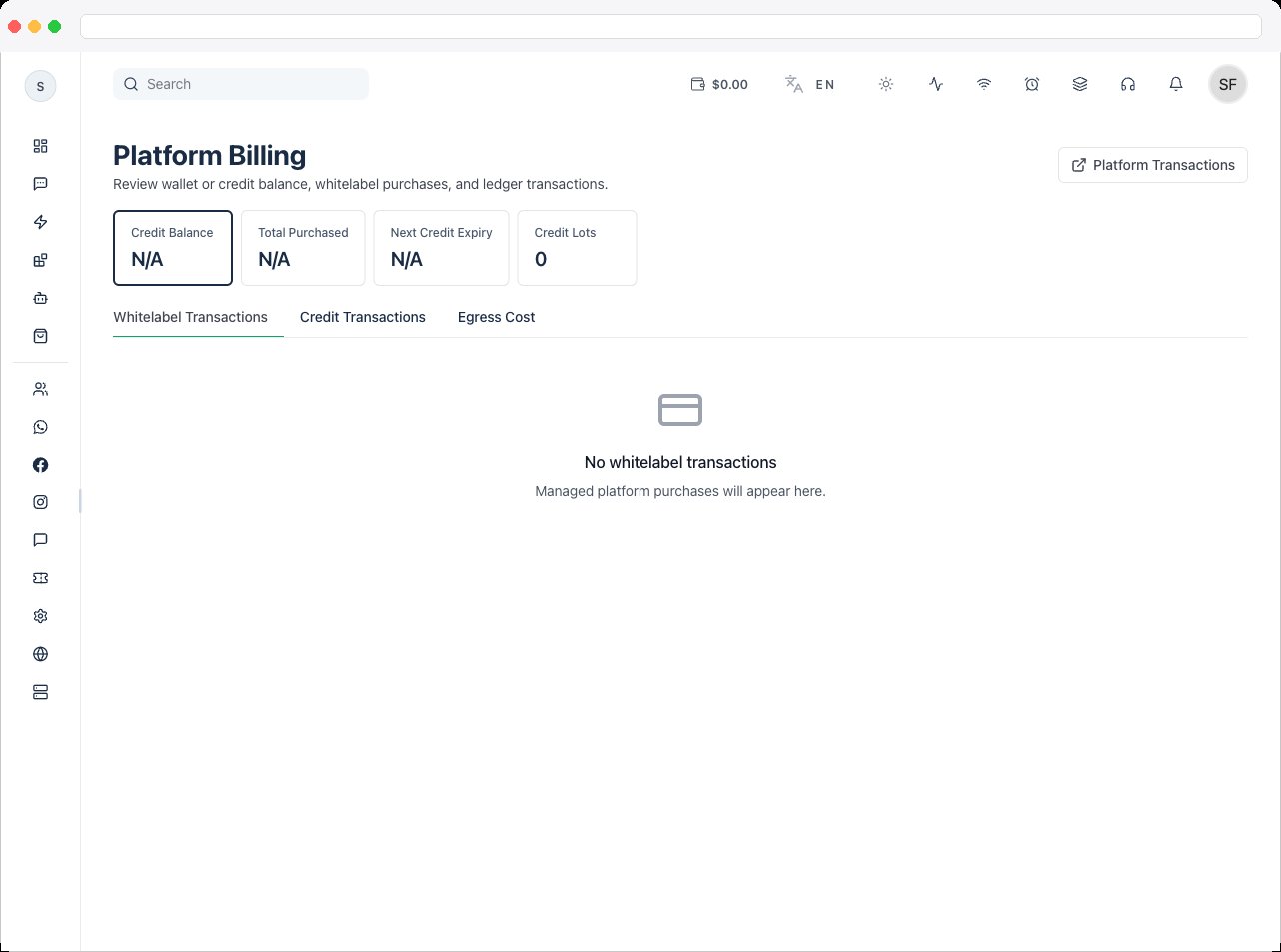
Every managed-setup purchase, credit purchase, wallet recharge, and add-on purchase made for this platform, with status, auto-renew state, and paid date. To download an invoice for a completed purchase, click the invoice icon on that row — it's generated as a GST-formatted PDF using the platform's configured invoice issuer details.
The ledger behind the balance (the label depends on your billing mode): credit lots with remaining amounts and expiry dates, or wallet debit and credit entries with their reference transaction — recharges, commission debits, and settlements.
4. Choose a tab:
Every managed-setup purchase, credit purchase, wallet recharge, and add-on purchase made for this platform, with status, auto-renew state, and paid date. To download an invoice for a completed purchase, click the invoice icon on that row — it's generated as a GST-formatted PDF using the platform's configured invoice issuer details.
The ledger behind the balance (the label depends on your billing mode): credit lots with remaining amounts and expiry dates, or wallet debit and credit entries with their reference transaction — recharges, commission debits, and settlements.
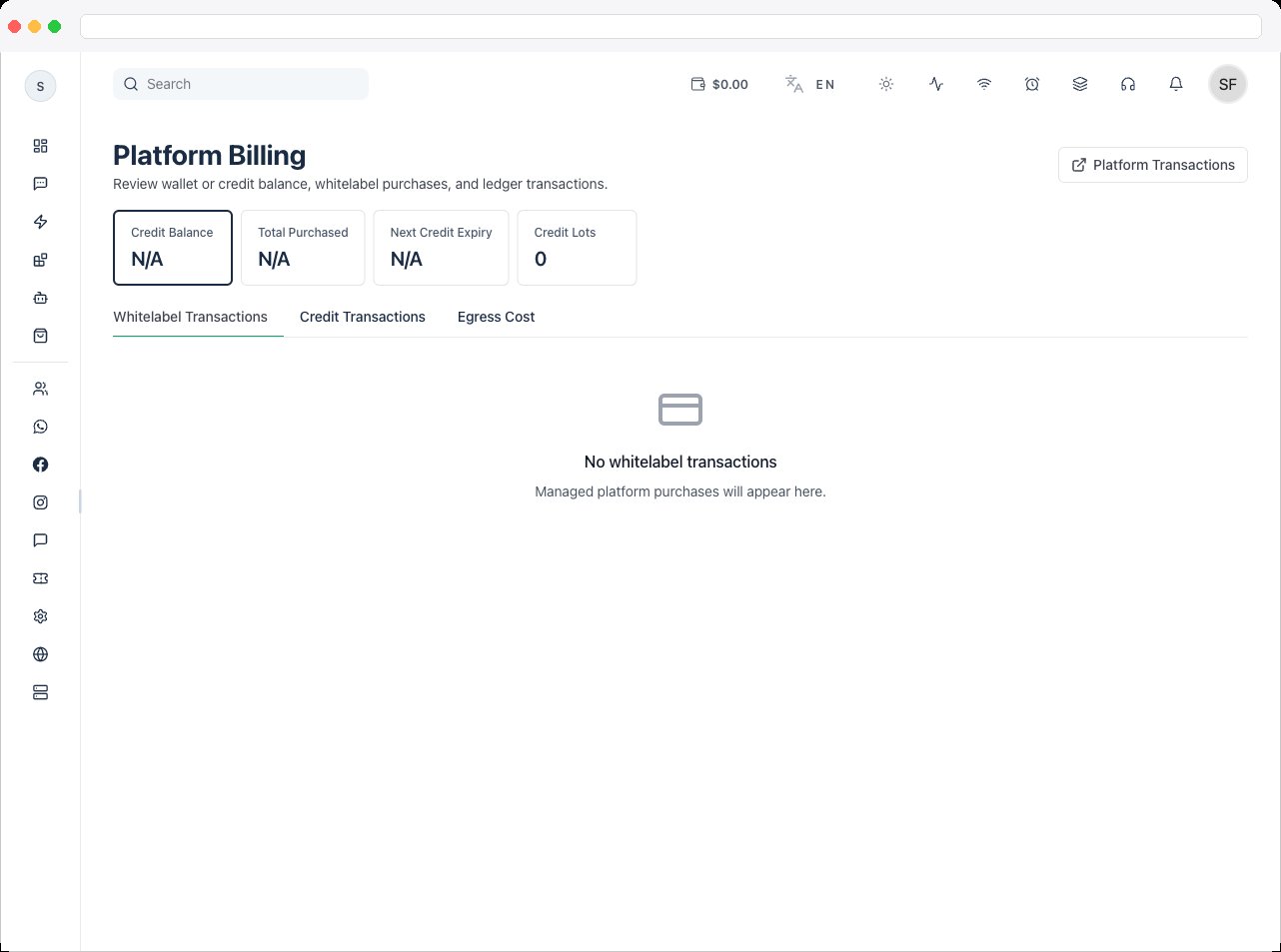 Bandwidth and data-transfer usage and estimated cost across all platform domains and storefronts. Read the billing policy note at the top — main domains and storefronts share a pooled free allowance, while backup domains and outbound integrations are billable from the first byte. Use the month selector to check a prior billing period if more than one is available.
5. Click **Platform Transactions** in the page header to open the full transactions list if you need cross-platform detail beyond this page's tables.
## Related docs
* [Platform Transactions](/platform/platform-transactions)
* [Wallet Settings](/platform/settings/wallet-settings)
* [Whitelabel Transactions](/self-host/whitelabel-transactions)
Bandwidth and data-transfer usage and estimated cost across all platform domains and storefronts. Read the billing policy note at the top — main domains and storefronts share a pooled free allowance, while backup domains and outbound integrations are billable from the first byte. Use the month selector to check a prior billing period if more than one is available.
5. Click **Platform Transactions** in the page header to open the full transactions list if you need cross-platform detail beyond this page's tables.
## Related docs
* [Platform Transactions](/platform/platform-transactions)
* [Wallet Settings](/platform/settings/wallet-settings)
* [Whitelabel Transactions](/self-host/whitelabel-transactions)