> ## Documentation Index
> Fetch the complete documentation index at: https://docs.skyfree.io/llms.txt
> Use this file to discover all available pages before exploring further.
# Instance Roadmap
> Manage your instance's public roadmap board — review, approve, and track feature requests.
**Requires the Roadmap feature on your license.** Without it, this page doesn't appear in the Instance menu. Check [Licence](/self-host/whitelabel-setup/licence-status) to see what your instance includes, and see the [Self-Hosted overview](/self-host/overview). It also requires the `instance:view` permission.
## What is this?
**Instance Roadmap** is where you manage the public feature-request/roadmap board for your instance — reviewing what users have submitted, approving or rejecting items, tracking their status from idea to release, and configuring a webhook that notifies external systems of roadmap activity.
 ## What can I do here?
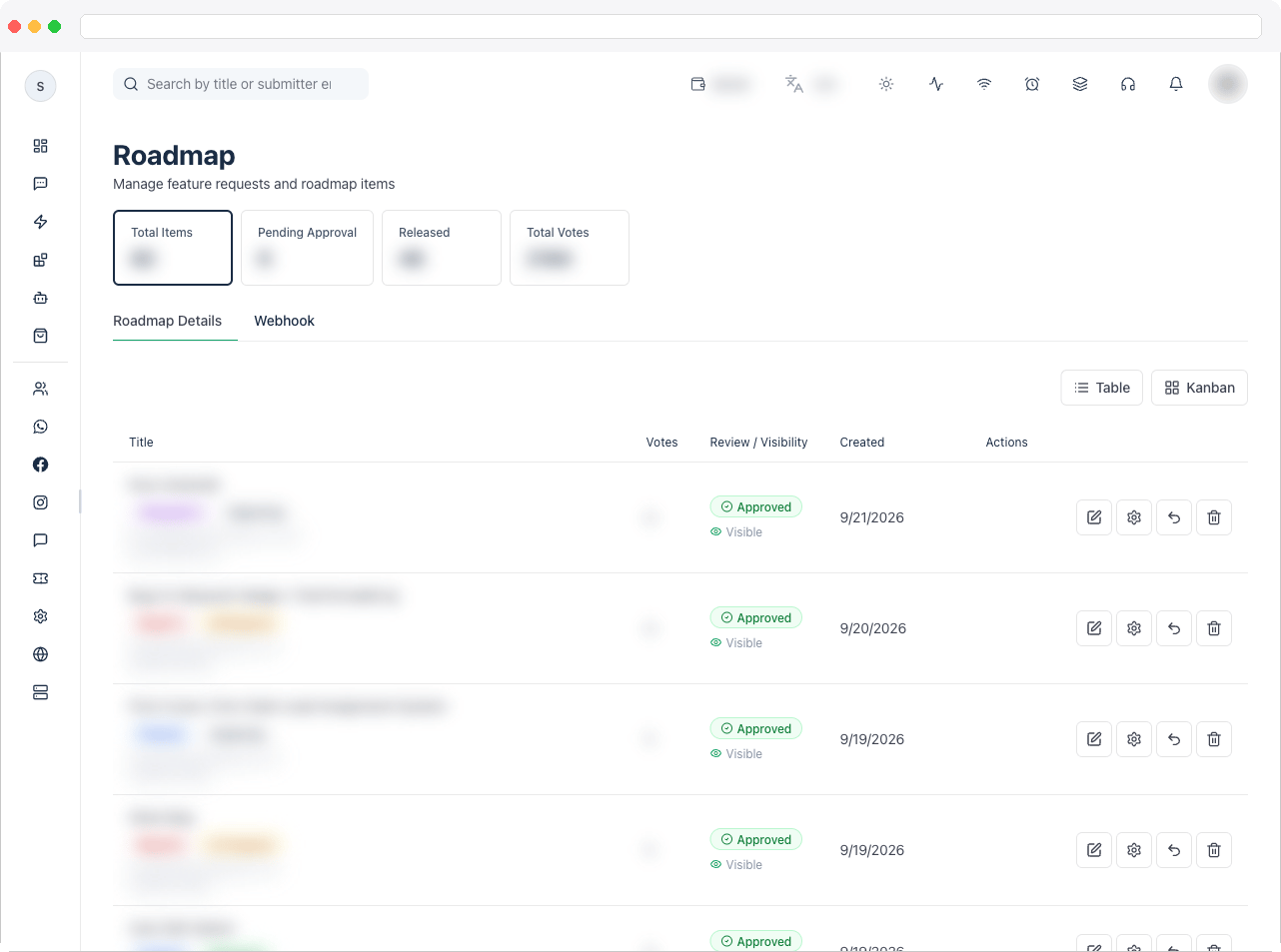
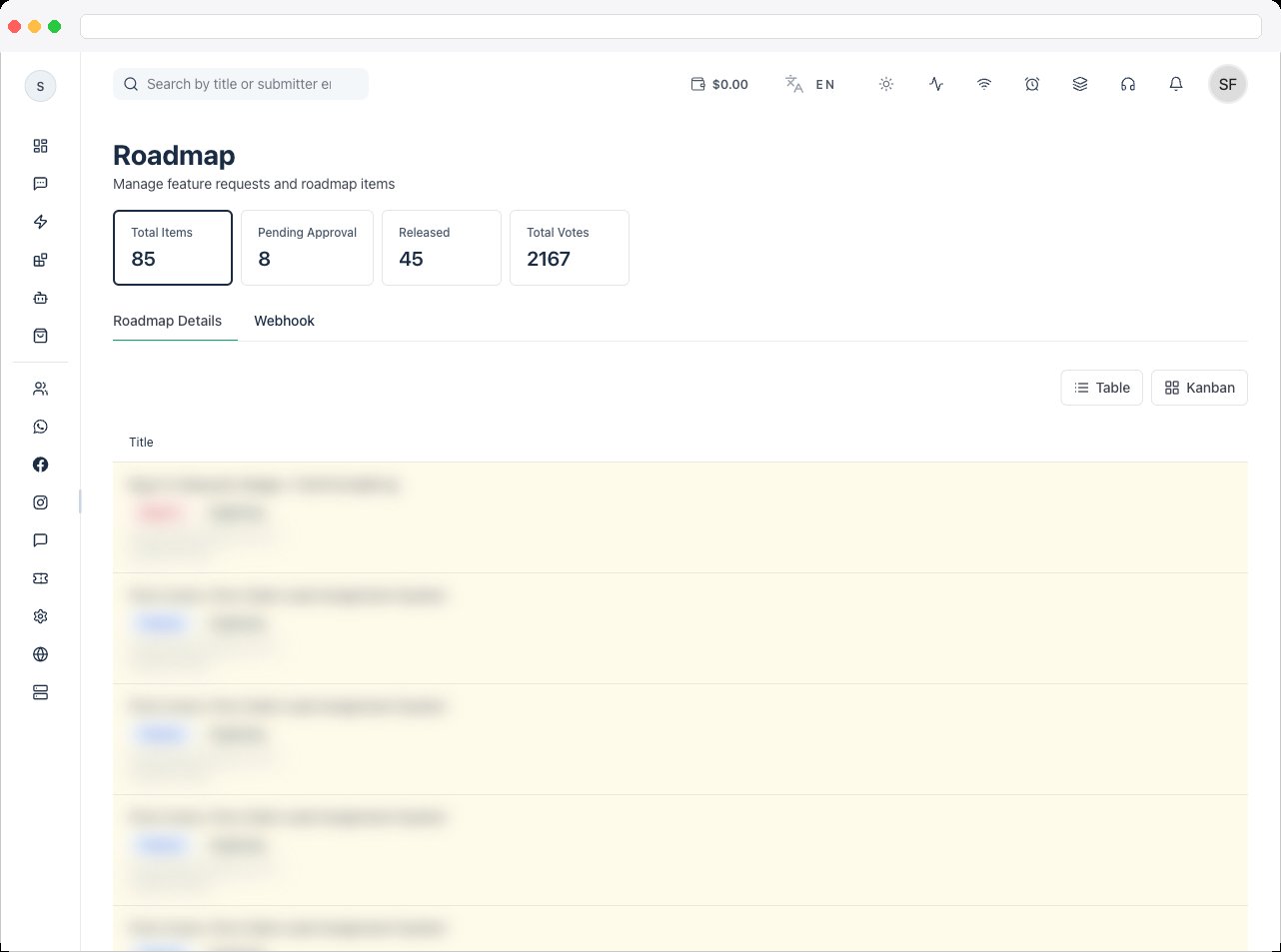
* View summary tiles: **Total Items**, **Pending Approval**, **Released**, and **Total Votes**
* Switch between two tabs: **Roadmap Details** and **Webhook**
* Search roadmap items by title or submitter email
* Toggle between **Table** and **Kanban** views (Kanban groups items into columns by status: Exploring, Planned, In Progress, Beta, Released, Rejected)
* For each item, see its title, category (Bug Fix, Feature, WhatsApp, Integration, UI/UX, Performance), vote count, approval/visibility state, rejection reason (if rejected), and creation date
* **Edit** an item's title, description, category, pinned state, and visibility
* **Approve/unapprove** an item
* **Reject** an item with a required reason
* **Change status** of an item, including entering release version, release date, and release notes when marking it **Released**
* **Delete** an item permanently
* Configure a global **Roadmap Webhook** that POSTs every roadmap event to a URL of your choice
## How to use it
Open **Platform → Instance → Instance Roadmap** and choose a tab.
**Review and approve a submission**
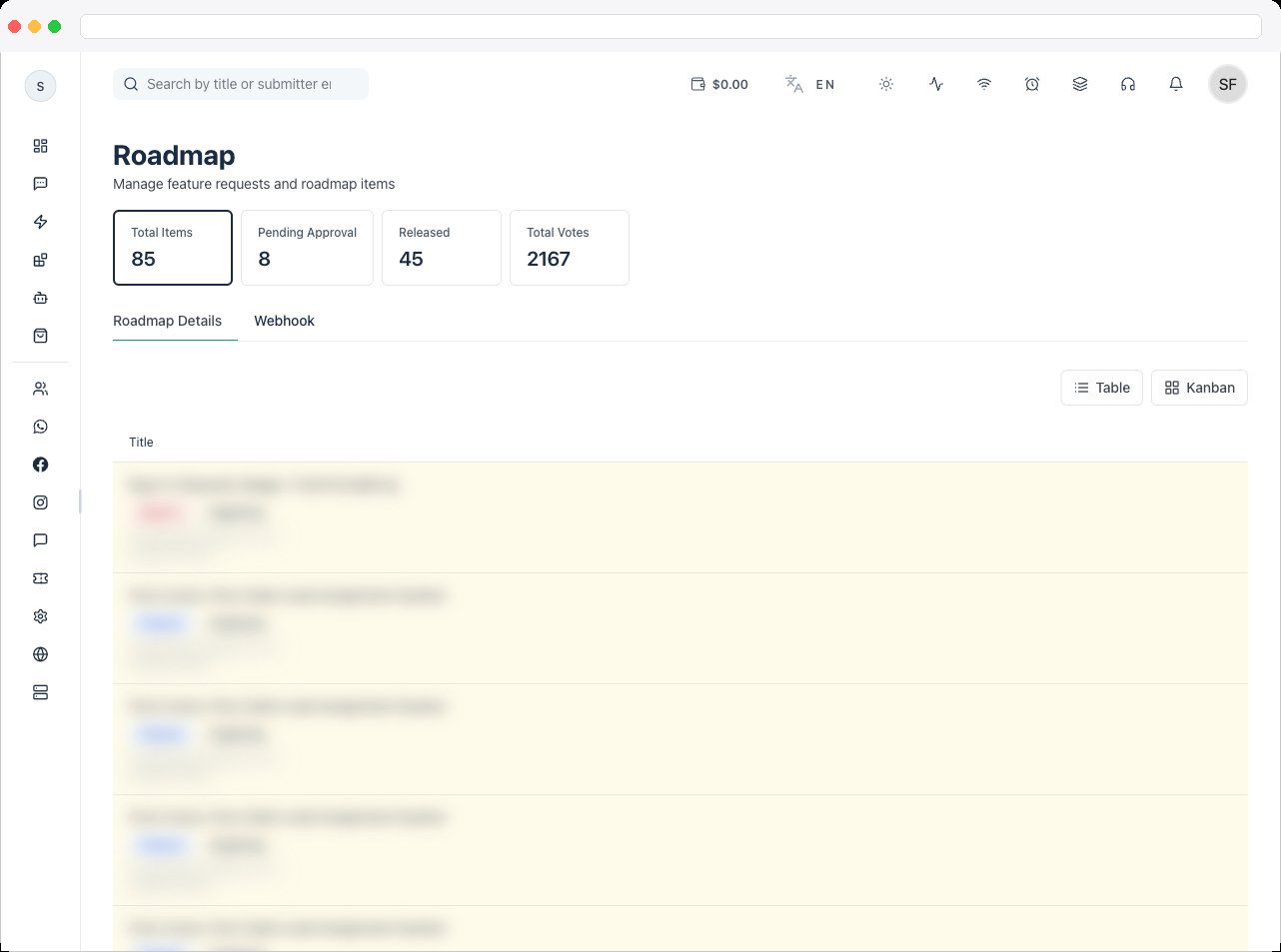
1. Find the item — new or unapproved items are highlighted.
2. Click the **check icon** to approve it (or the same icon again to unapprove), or the **X icon** to reject it and enter a rejection reason of at least a few characters.
## What can I do here?
* View summary tiles: **Total Items**, **Pending Approval**, **Released**, and **Total Votes**
* Switch between two tabs: **Roadmap Details** and **Webhook**
* Search roadmap items by title or submitter email
* Toggle between **Table** and **Kanban** views (Kanban groups items into columns by status: Exploring, Planned, In Progress, Beta, Released, Rejected)
* For each item, see its title, category (Bug Fix, Feature, WhatsApp, Integration, UI/UX, Performance), vote count, approval/visibility state, rejection reason (if rejected), and creation date
* **Edit** an item's title, description, category, pinned state, and visibility
* **Approve/unapprove** an item
* **Reject** an item with a required reason
* **Change status** of an item, including entering release version, release date, and release notes when marking it **Released**
* **Delete** an item permanently
* Configure a global **Roadmap Webhook** that POSTs every roadmap event to a URL of your choice
## How to use it
Open **Platform → Instance → Instance Roadmap** and choose a tab.
**Review and approve a submission**
1. Find the item — new or unapproved items are highlighted.
2. Click the **check icon** to approve it (or the same icon again to unapprove), or the **X icon** to reject it and enter a rejection reason of at least a few characters.
 **Edit an item**
1. Click the **pencil (edit) icon** on an item.
2. Update its **Title**, **Description**, **Category**, whether it's **Pinned**, and whether it's **Visible**.
3. Click **Save Changes**.
**Edit an item**
1. Click the **pencil (edit) icon** on an item.
2. Update its **Title**, **Description**, **Category**, whether it's **Pinned**, and whether it's **Visible**.
3. Click **Save Changes**.
 **Change status and publish a release**
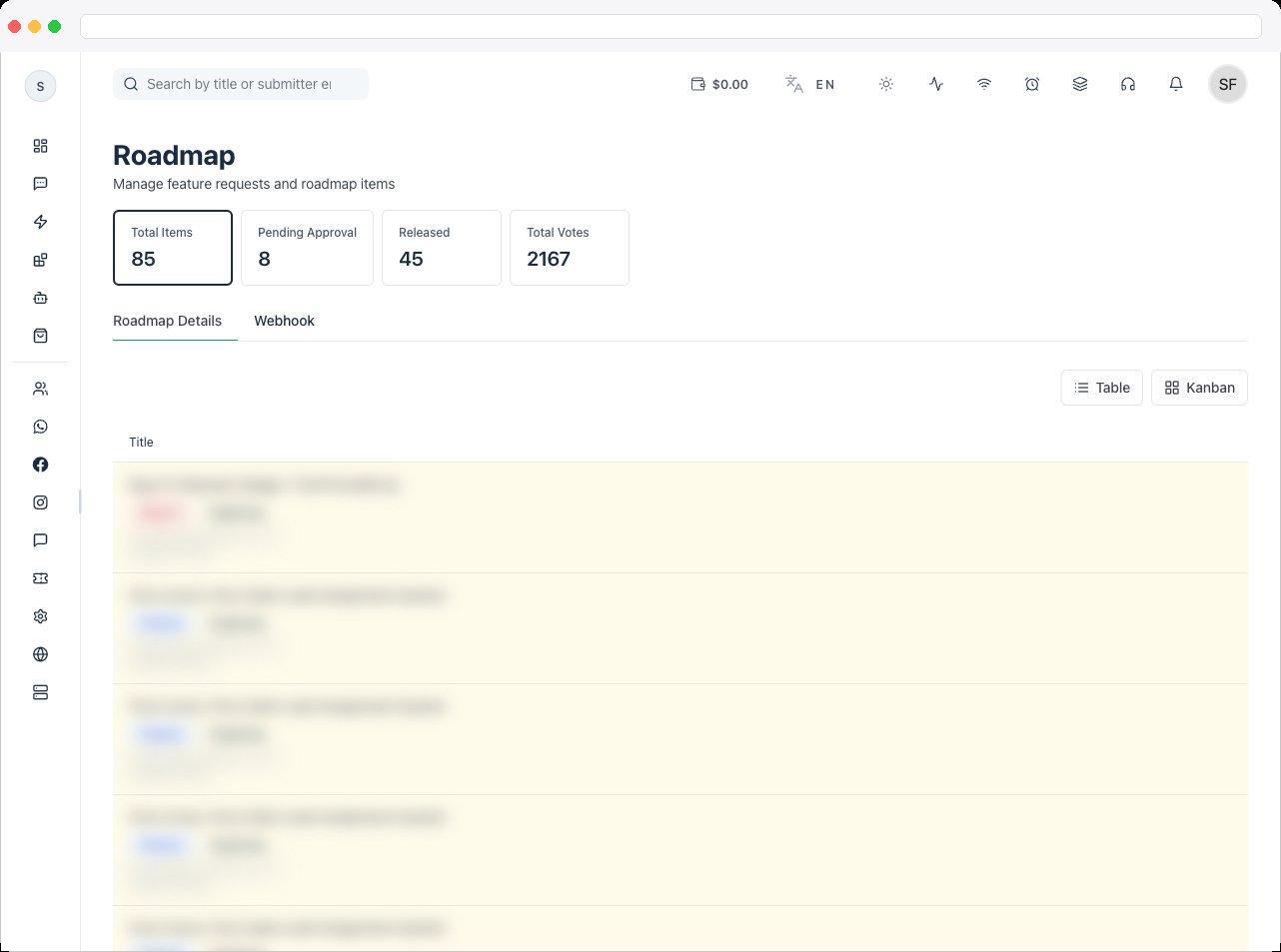
1. Click the **gear (change status) icon** on an item.
2. Choose a new status: Exploring, Planned, In Progress, Beta, or Released.
3. If you choose **Released**, also fill in **Release Version**, **Release Date**, and **Release Notes**.
4. Click **Update Status**.
**Change status and publish a release**
1. Click the **gear (change status) icon** on an item.
2. Choose a new status: Exploring, Planned, In Progress, Beta, or Released.
3. If you choose **Released**, also fill in **Release Version**, **Release Date**, and **Release Notes**.
4. Click **Update Status**.
 **Switch between Table and Kanban views**
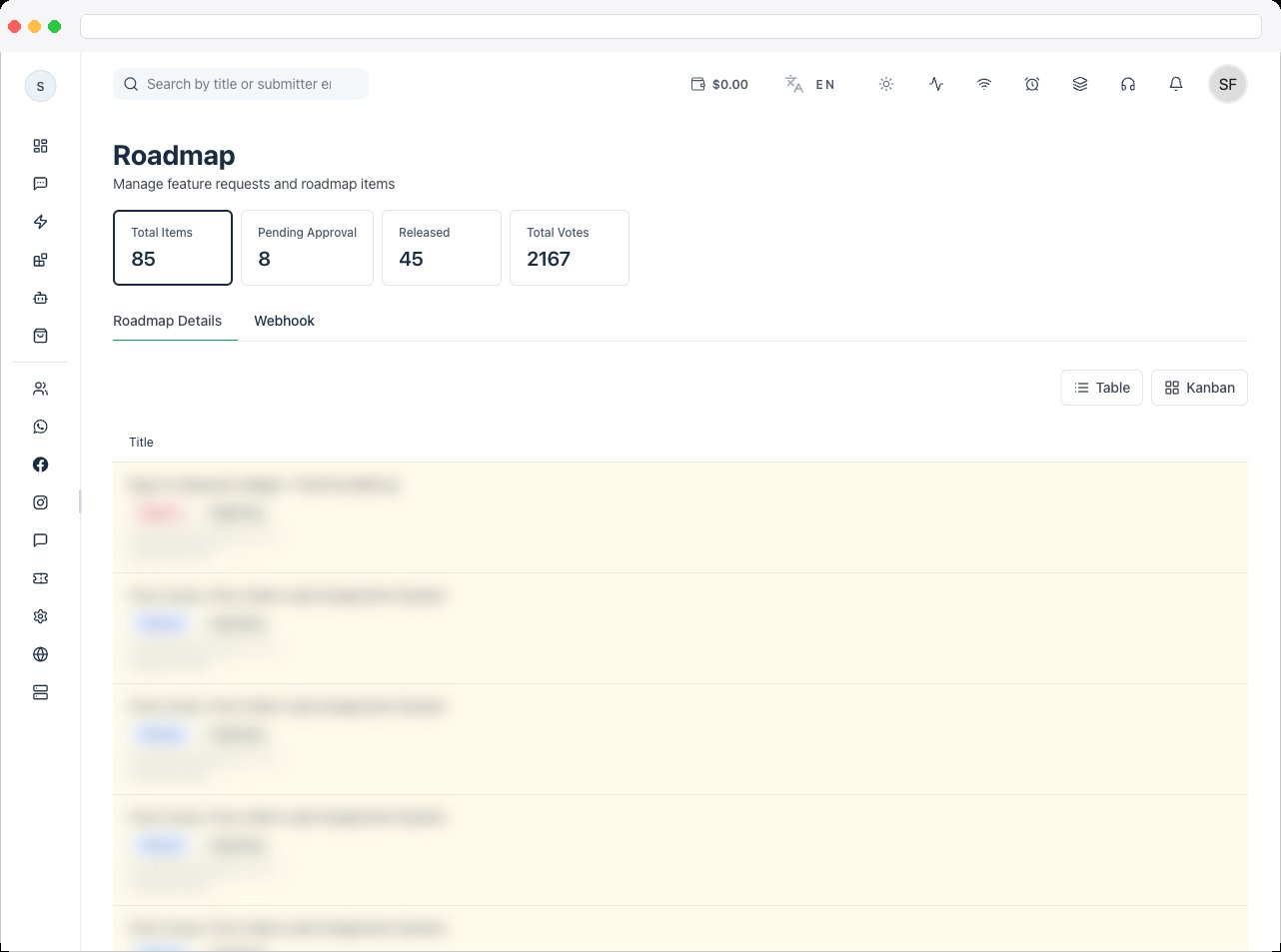
1. Use the **Table** / **Kanban** buttons above the item list to switch layouts.
2. Kanban view groups items into six columns by status, with the same edit, status, approve, reject, and delete actions available on each card.
**Switch between Table and Kanban views**
1. Use the **Table** / **Kanban** buttons above the item list to switch layouts.
2. Kanban view groups items into six columns by status, with the same edit, status, approve, reject, and delete actions available on each card.
 **Delete an item**
1. Click the **trash icon** on an item.
2. Confirm the deletion in the dialog. This permanently removes the item and its votes and cannot be undone.
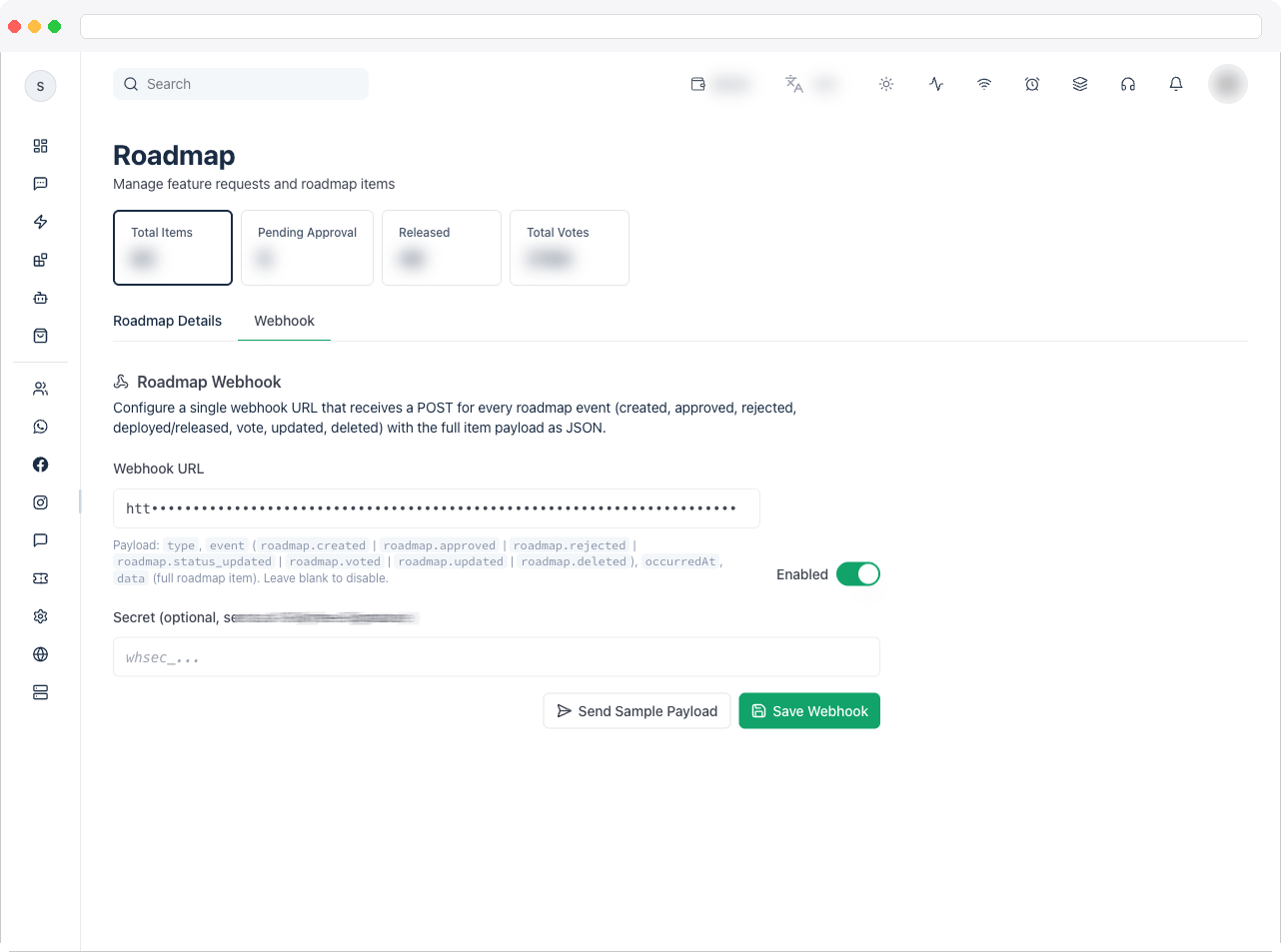
1. Enter a **Webhook URL** that will receive a POST request for every roadmap event (created, approved, rejected, status updated, voted, updated, deleted), with the full item as JSON.
2. Toggle **Enabled** on or off, and optionally set a **Secret** (sent as the `X-Skyfree-Signature` header).
3. Click **Send Sample Payload** to test the webhook, or **Save Webhook** to save the configuration.
**Delete an item**
1. Click the **trash icon** on an item.
2. Confirm the deletion in the dialog. This permanently removes the item and its votes and cannot be undone.
1. Enter a **Webhook URL** that will receive a POST request for every roadmap event (created, approved, rejected, status updated, voted, updated, deleted), with the full item as JSON.
2. Toggle **Enabled** on or off, and optionally set a **Secret** (sent as the `X-Skyfree-Signature` header).
3. Click **Send Sample Payload** to test the webhook, or **Save Webhook** to save the configuration.
 ## Related docs
* [Self-Hosted overview](/self-host/overview)
* [Licence](/self-host/whitelabel-setup/licence-status)
* [Instance Performance](/self-host/instance-performance)
## Related docs
* [Self-Hosted overview](/self-host/overview)
* [Licence](/self-host/whitelabel-setup/licence-status)
* [Instance Performance](/self-host/instance-performance)