> ## Documentation Index
> Fetch the complete documentation index at: https://docs.skyfree.io/llms.txt
> Use this file to discover all available pages before exploring further.
# Licence
> Check your instance's install license status and what it entitles you to.
**Included with every self-managed instance.** This tab is part of [Whitelabel Setup](/self-host/whitelabel-setup/overview).
## What is this?
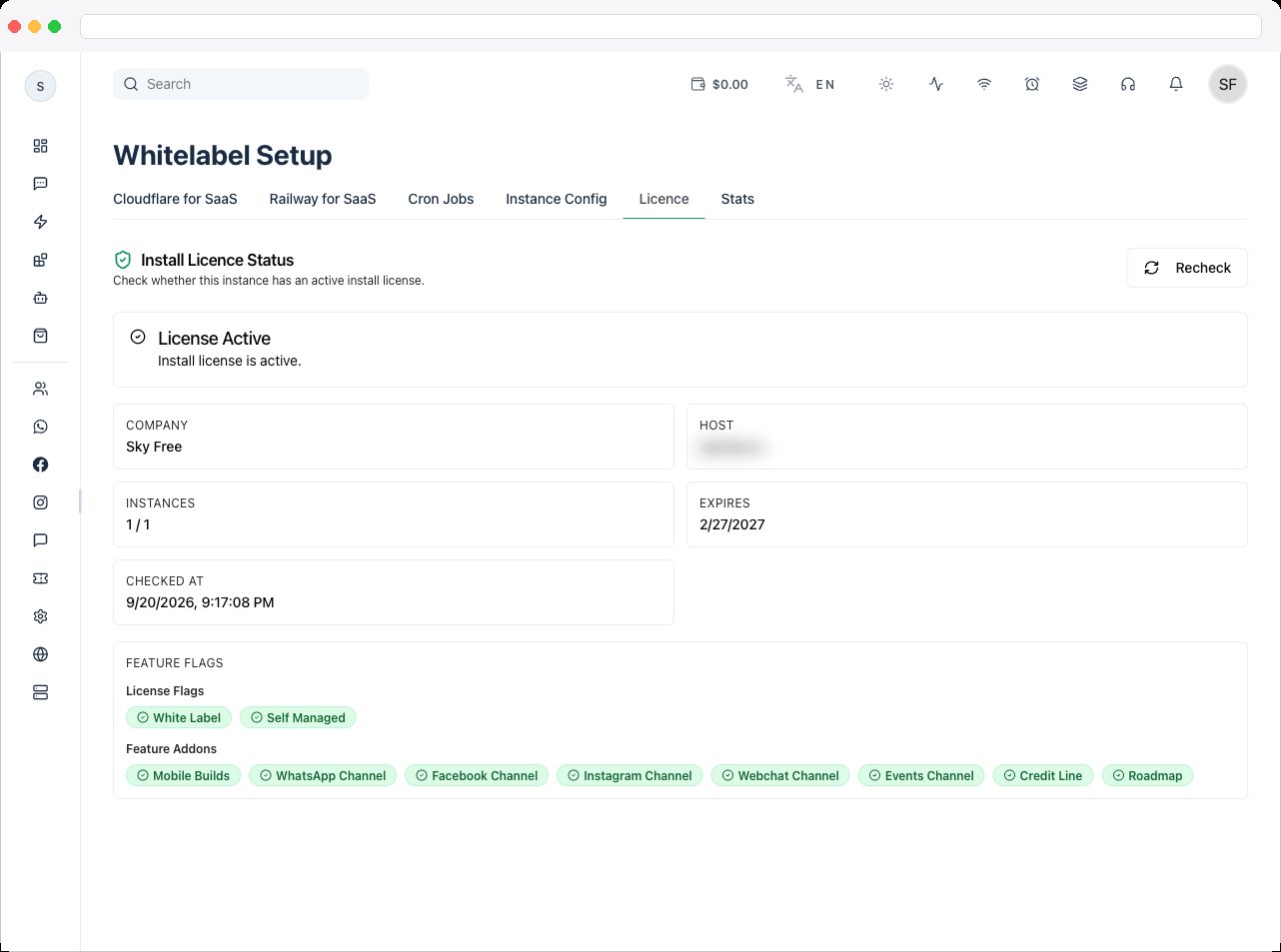
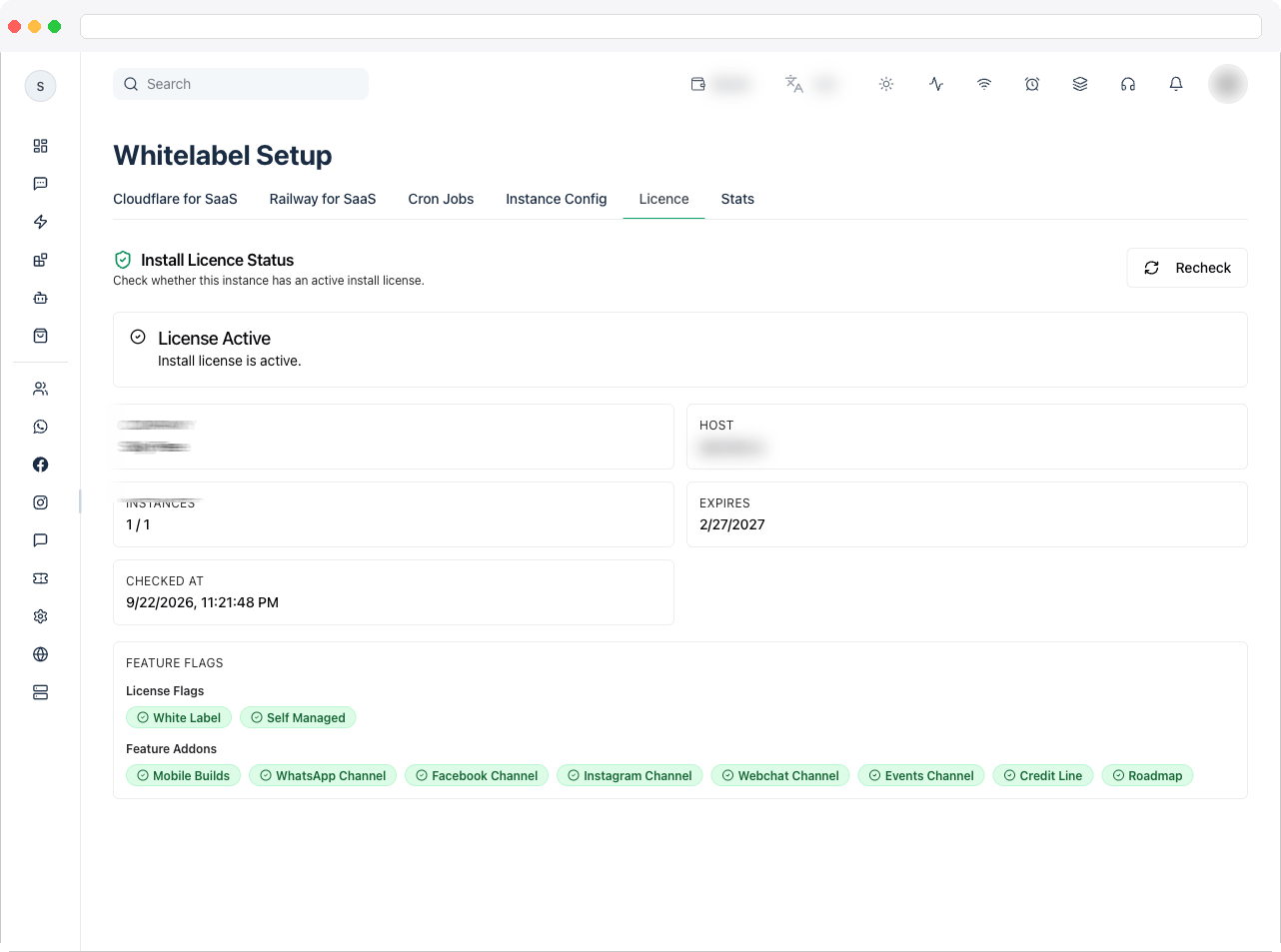
The **Licence** tab (shown as "Install Licence Status" on the page) checks whether this instance has an active install license, and shows exactly what that license entitles the instance to.
 ## What can I do here?
* See an at-a-glance status: **License Active** or **License Not Active**, with an accompanying message.
* View license details in a grid of cards:
* **Company** (if applicable)
* **Host** — the request host this license check was made against.
* **Instances** — active instances used vs. the maximum allowed, if the license caps instance count.
* **Expires** — the license expiry date, or "Never".
* **Checked At** — when the status was last verified.
* **Error Code** — shown only if the last check returned an error.
* View **License Flags**: whether **White Label** and **Self Managed** are enabled for this license.
* View **Feature Addons**: whether **Mobile Builds**, **WhatsApp Channel**, **Facebook Channel**, **Instagram Channel**, **Telegram Channel**, **Webchat Channel**, **Credit Line**, and **Roadmap** are allowed.
* Click **Recheck** to force a fresh license validation against the licensing server.
## How to use it
1. Open the **Licence** tab to see the current license status at the top — a green "License Active" alert means the instance is licensed and running normally; a red "License Not Active" alert means there's a problem.
## What can I do here?
* See an at-a-glance status: **License Active** or **License Not Active**, with an accompanying message.
* View license details in a grid of cards:
* **Company** (if applicable)
* **Host** — the request host this license check was made against.
* **Instances** — active instances used vs. the maximum allowed, if the license caps instance count.
* **Expires** — the license expiry date, or "Never".
* **Checked At** — when the status was last verified.
* **Error Code** — shown only if the last check returned an error.
* View **License Flags**: whether **White Label** and **Self Managed** are enabled for this license.
* View **Feature Addons**: whether **Mobile Builds**, **WhatsApp Channel**, **Facebook Channel**, **Instagram Channel**, **Telegram Channel**, **Webchat Channel**, **Credit Line**, and **Roadmap** are allowed.
* Click **Recheck** to force a fresh license validation against the licensing server.
## How to use it
1. Open the **Licence** tab to see the current license status at the top — a green "License Active" alert means the instance is licensed and running normally; a red "License Not Active" alert means there's a problem.
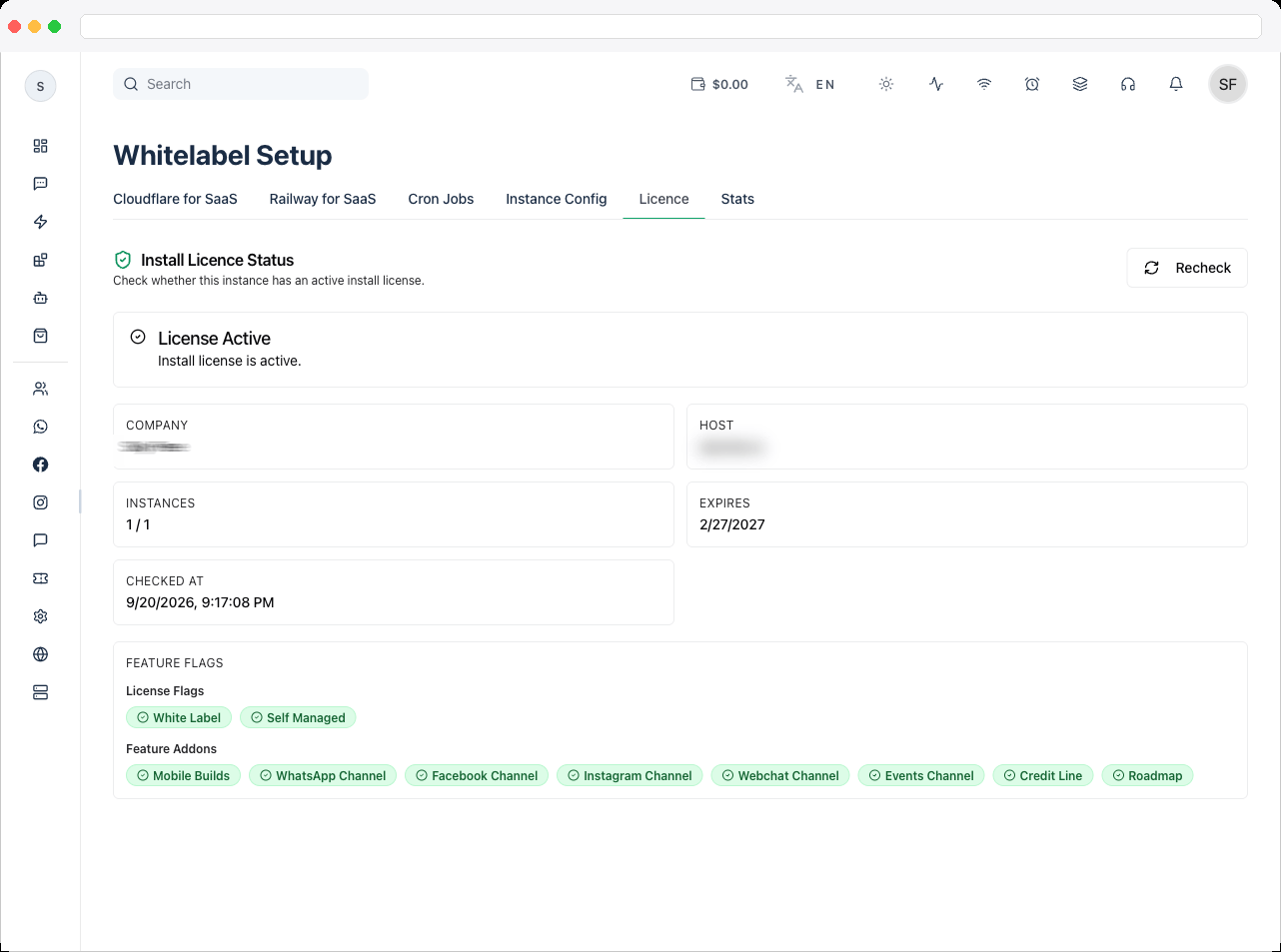 2. Check the detail cards for **Instances** (to see if you're near your instance cap) and **Expires** (to see how much runway is left before renewal is needed).
3. If the status shows an error, check the **Error Code** card for the specific reason the check failed.
4. Review **License Flags** and **Feature Addons** to confirm which capabilities (white-labeling, self-managed mode, specific channels, mobile builds, credit line, roadmap) are actually unlocked on this license — this is useful when troubleshooting why a feature elsewhere in the app (like the Railway for SaaS tab) isn't showing up.
5. Click **Recheck** any time you've changed your license or want to confirm the latest status — this re-runs the license check and refreshes every field on the page.
2. Check the detail cards for **Instances** (to see if you're near your instance cap) and **Expires** (to see how much runway is left before renewal is needed).
3. If the status shows an error, check the **Error Code** card for the specific reason the check failed.
4. Review **License Flags** and **Feature Addons** to confirm which capabilities (white-labeling, self-managed mode, specific channels, mobile builds, credit line, roadmap) are actually unlocked on this license — this is useful when troubleshooting why a feature elsewhere in the app (like the Railway for SaaS tab) isn't showing up.
5. Click **Recheck** any time you've changed your license or want to confirm the latest status — this re-runs the license check and refreshes every field on the page.