> ## Documentation Index
> Fetch the complete documentation index at: https://docs.skyfree.io/llms.txt
> Use this file to discover all available pages before exploring further.
# Stats
> A live, read-only snapshot of server hardware usage and background job health.
**Included with every self-managed instance.** This tab is part of [Whitelabel Setup](/self-host/whitelabel-setup/overview).
## What is this?
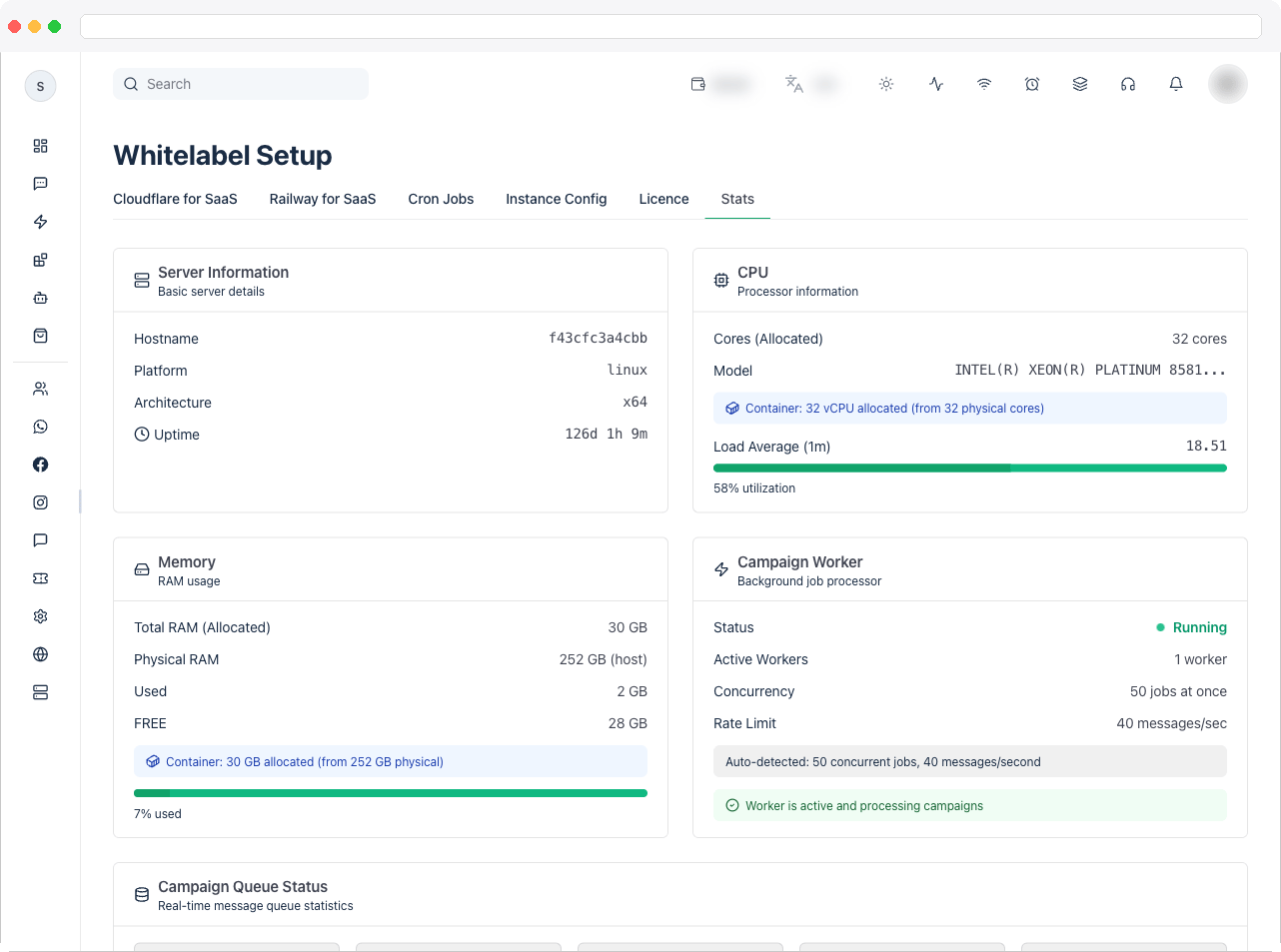
The **Stats** tab gives platform owners a live, read-only snapshot of the server's hardware usage and background job health — hostname, CPU, memory, the campaign worker, and the campaign message queue. It auto-refreshes every 5 seconds.
 ## What can I do here?
This page is purely informational — there's nothing to configure — but you can monitor:
* **Server Information**: hostname, platform, architecture, and uptime.
* **CPU**: allocated cores (and physical host cores, if running in a container with different limits), processor model, current 1-minute load average with a utilization bar, and — if containerized — how many vCPUs are allocated versus the physical host.
* **Memory**: total RAM (and physical host RAM if different, e.g. inside a container), used, free, and a usage bar that turns yellow above 60% and red above 80%.
* **Campaign Worker**: whether the background job processor is Running or Stopped, how many workers are active, concurrency (jobs processed at once), and rate limit (messages/sec). If detection fails, an error/warning message is shown instead.
* **Campaign Queue Status**: real-time counts of Active, Waiting, Scheduled (delayed), Completed, and Failed items in the campaign queue, plus an estimated processing time for anything currently waiting.
## How to use it
1. Open the **Stats** tab to see the four top cards: **Server Information**, **CPU**, **Memory**, and **Campaign Worker**.
## What can I do here?
This page is purely informational — there's nothing to configure — but you can monitor:
* **Server Information**: hostname, platform, architecture, and uptime.
* **CPU**: allocated cores (and physical host cores, if running in a container with different limits), processor model, current 1-minute load average with a utilization bar, and — if containerized — how many vCPUs are allocated versus the physical host.
* **Memory**: total RAM (and physical host RAM if different, e.g. inside a container), used, free, and a usage bar that turns yellow above 60% and red above 80%.
* **Campaign Worker**: whether the background job processor is Running or Stopped, how many workers are active, concurrency (jobs processed at once), and rate limit (messages/sec). If detection fails, an error/warning message is shown instead.
* **Campaign Queue Status**: real-time counts of Active, Waiting, Scheduled (delayed), Completed, and Failed items in the campaign queue, plus an estimated processing time for anything currently waiting.
## How to use it
1. Open the **Stats** tab to see the four top cards: **Server Information**, **CPU**, **Memory**, and **Campaign Worker**.
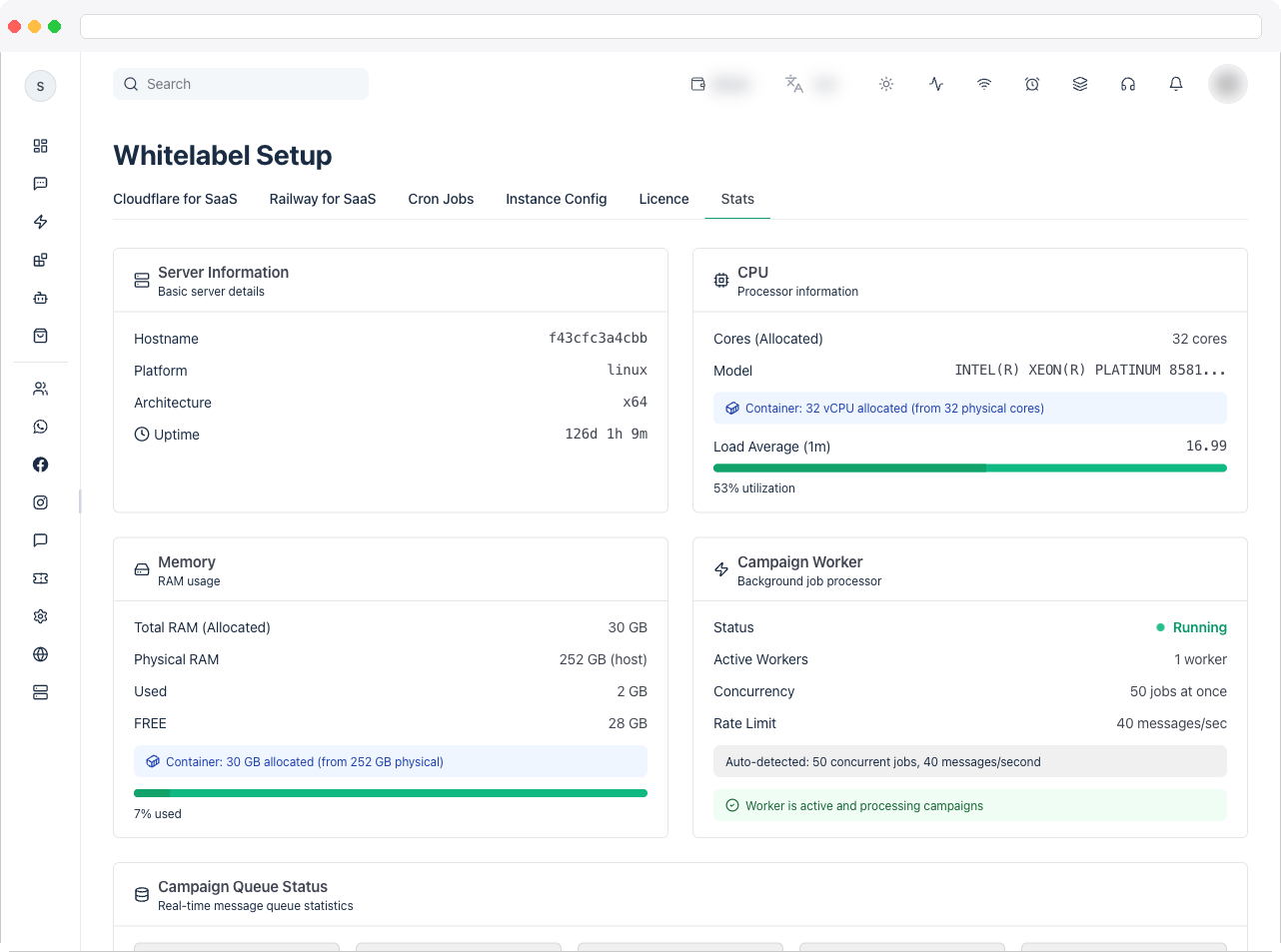 2. Check the **CPU** and **Memory** utilization bars — a red bar (over 80%) signals the server is under heavy load and may need more resources.
3. Check the **Campaign Worker** card's status indicator — a green pulsing dot and "Running" means campaigns are being processed; a red dot and "Stopped" (or an error message) means campaigns won't send until the worker issue is resolved.
2. Check the **CPU** and **Memory** utilization bars — a red bar (over 80%) signals the server is under heavy load and may need more resources.
3. Check the **Campaign Worker** card's status indicator — a green pulsing dot and "Running" means campaigns are being processed; a red dot and "Stopped" (or an error message) means campaigns won't send until the worker issue is resolved.
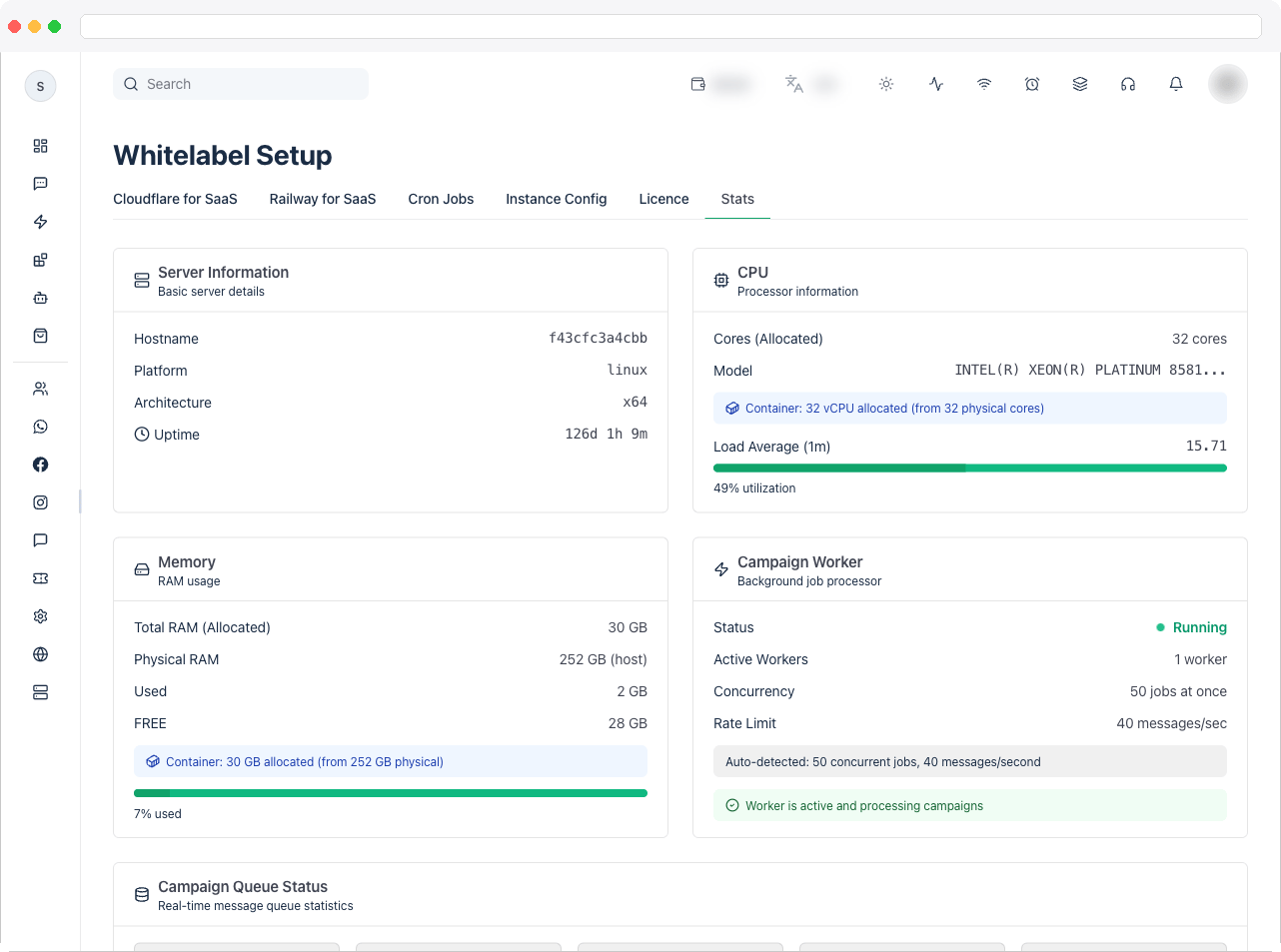 4. Scroll to **Campaign Queue Status** to see how many messages are currently active, waiting, scheduled, completed, or failed.
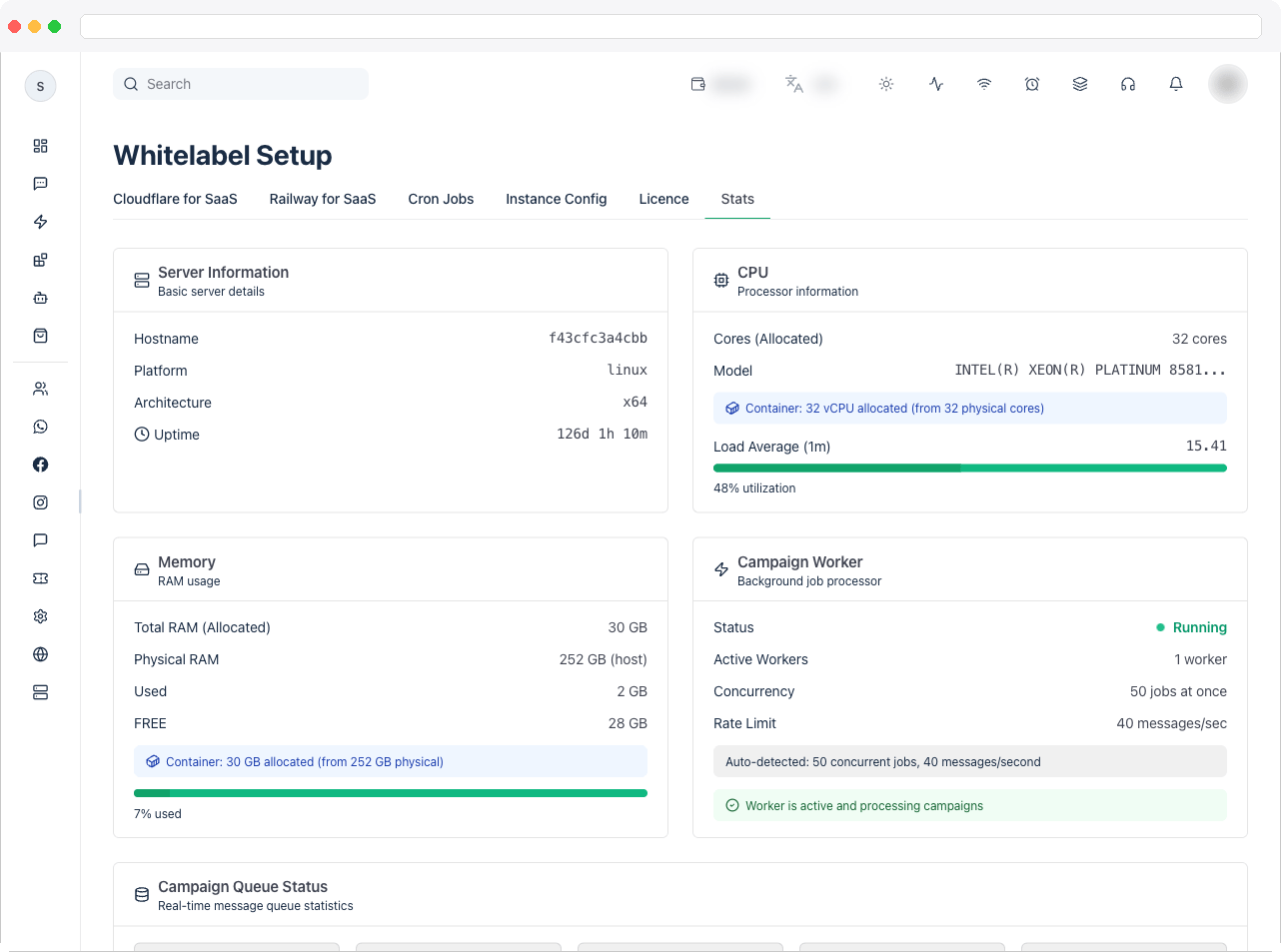 5. If there's a backlog, note the **Estimated processing time** shown for waiting items — it's calculated from the current rate limit and concurrency.
6. Leave the tab open to watch these numbers update automatically every 5 seconds — no manual refresh is needed.
5. If there's a backlog, note the **Estimated processing time** shown for waiting items — it's calculated from the current rate limit and concurrency.
6. Leave the tab open to watch these numbers update automatically every 5 seconds — no manual refresh is needed.