> ## Documentation Index
> Fetch the complete documentation index at: https://docs.skyfree.io/llms.txt
> Use this file to discover all available pages before exploring further.
# Contact libarary
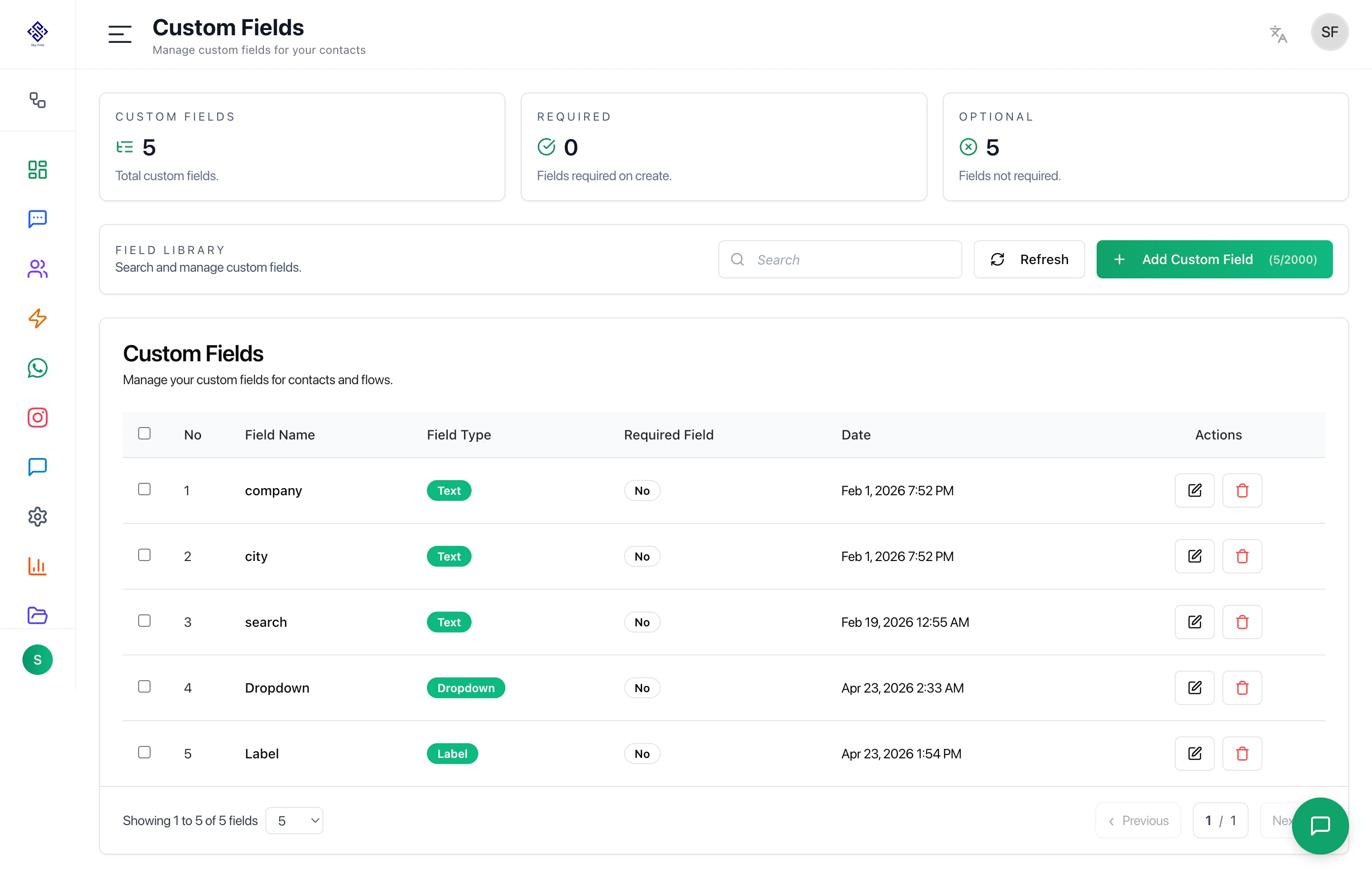
The Contacts Library is the central system for managing all customer data. Search contacts, add new contacts, refresh data, open filters, manage labels, filter by status, export, import, download sample files, and manage fields.
## Contacts Actions
| 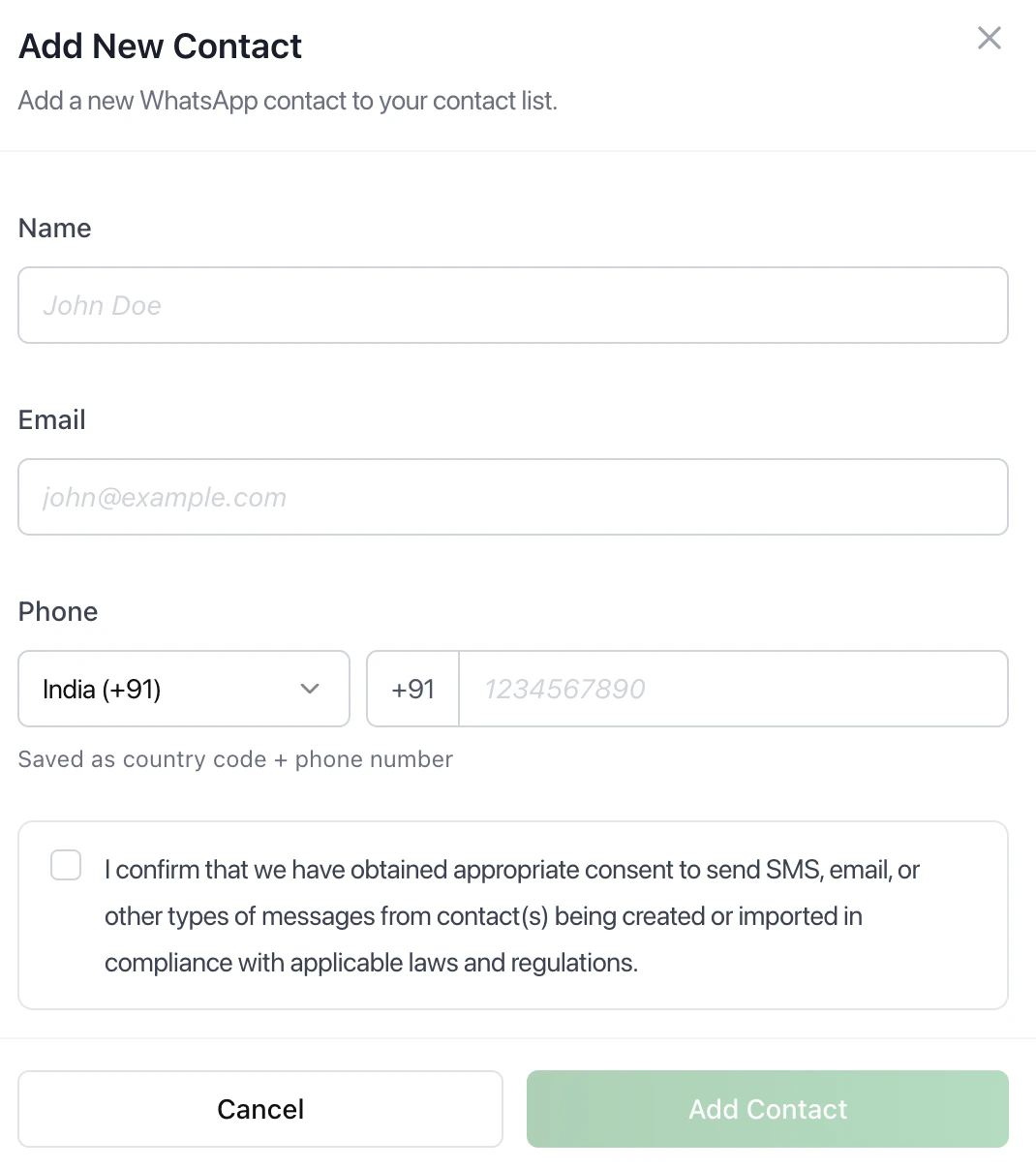 | Add Contact
|
| ---------------------------------------------------------------------------------------------------------------------------------------------------------------------------------------------------------------------------------------------------------------------------------------------------------------------------------------------------------------------------------------------------------------------------------------------------------------------------------------------------------------------------------------------------------------------------------------------------------------------------------------------------------------------------------------------------------------------------------------------------------------------------------------------------------------------------------------------------------------------------------------------------------------------------------------------------------------------------------------------------------------------------------------------------------------------------------------------------------------------------------------------------------------------------------------------------------------------------------------------------------------------------------------------------------------------------------------------------------------------------------------------------------------------------------------------------------- | --------------------------------------------------------------------------------------------------------------------------------------------------------------------------------------------------------- |
| 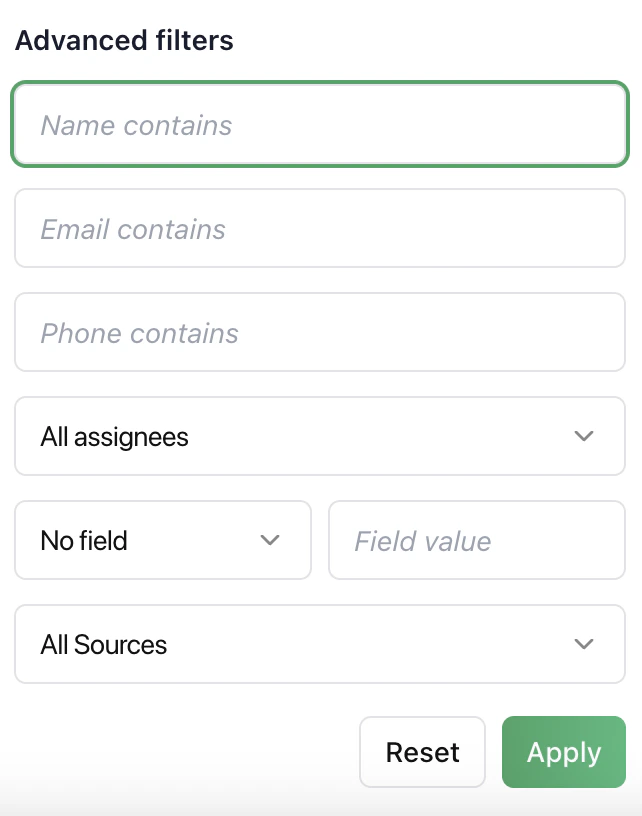 | Advanced Filters
Filter contacts using name, email, phone, assignee, custom field values, and source.
Use this to narrow large datasets and find specific users quickly. |
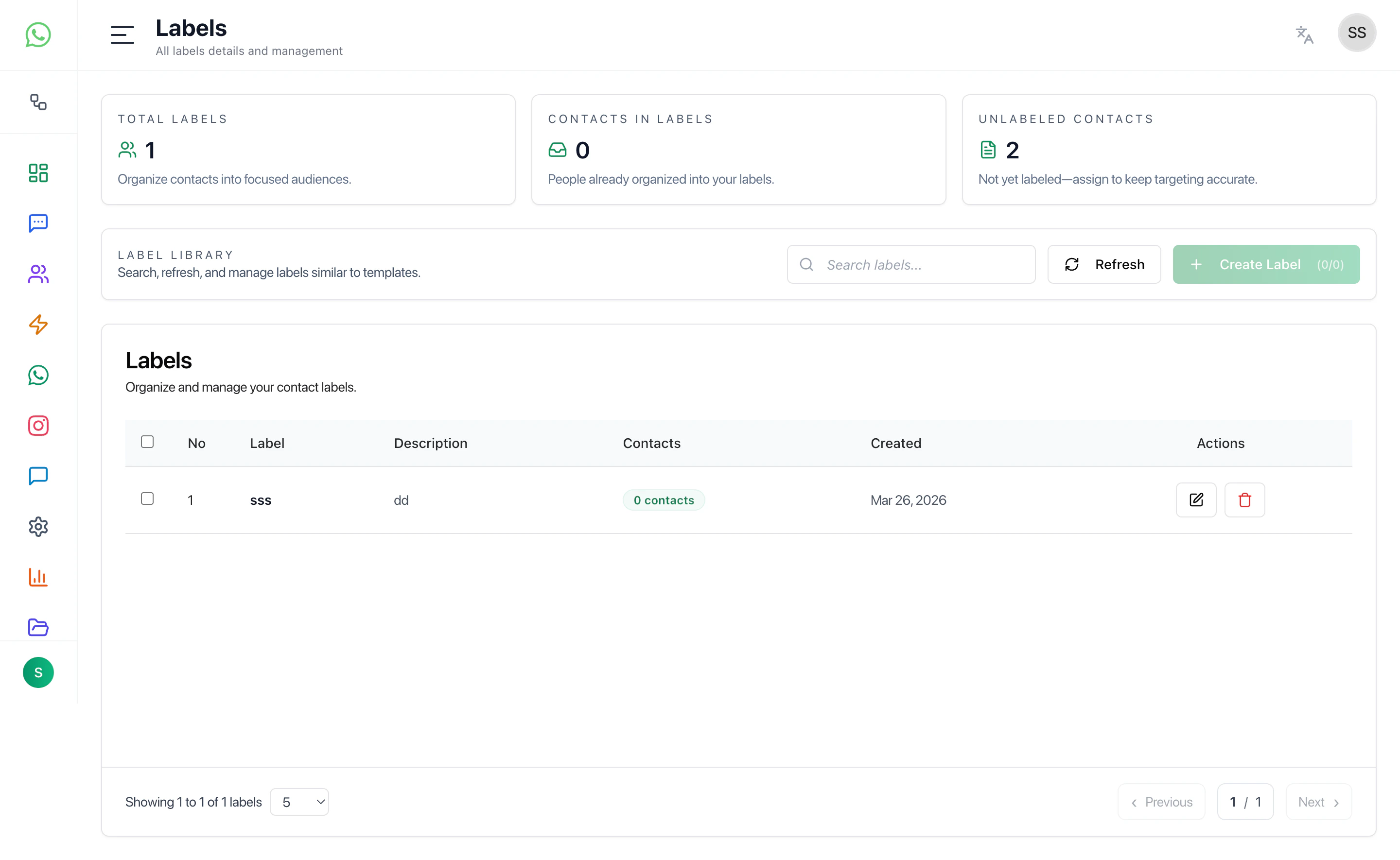
| 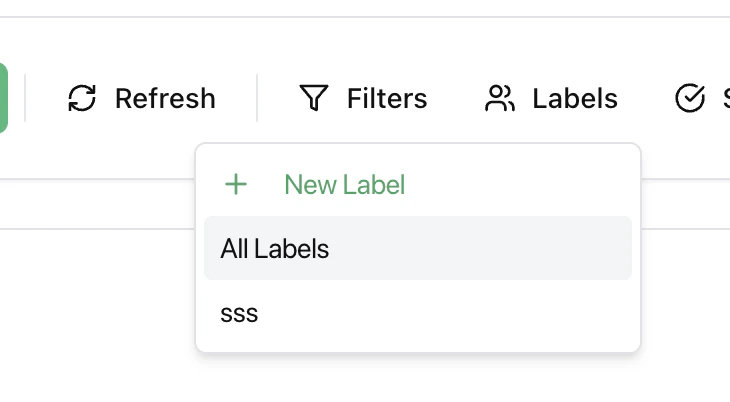 | Labels
Create and assign labels to segment contacts for campaigns, automation, and better organization. |
| 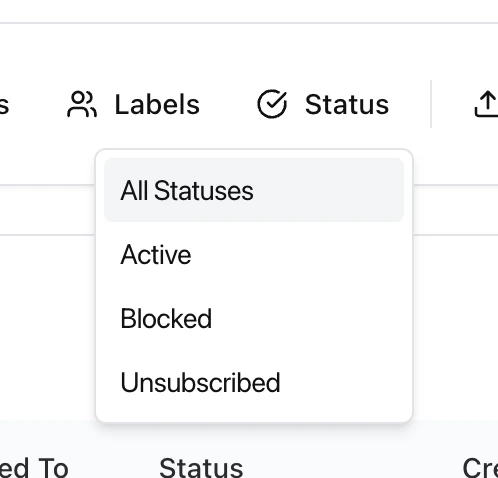 | Status Management
Manage contact eligibility: |
|  |
|
Export contacts for reporting or backup. Runs as a background job and sends the download link via email. |
|  | |
***
## Best Practices
* Use filters before working on large datasets
* Keep labels consistent
* Use status filters before campaigns
* Export data regularly
* Avoid duplicate contacts
***
## Related Docs
* [Inbox](/docs/inbox)
* [Campaigns](/docs/campaigns)
* [Automations](/docs/automations)
* [Channels](/docs/channels)
| |
***
## Best Practices
* Use filters before working on large datasets
* Keep labels consistent
* Use status filters before campaigns
* Export data regularly
* Avoid duplicate contacts
***
## Related Docs
* [Inbox](/docs/inbox)
* [Campaigns](/docs/campaigns)
* [Automations](/docs/automations)
* [Channels](/docs/channels)