

What is this?
The left panel of Inbox is your working queue. It lists every conversation for the active channel so you can triage quickly and open the right one.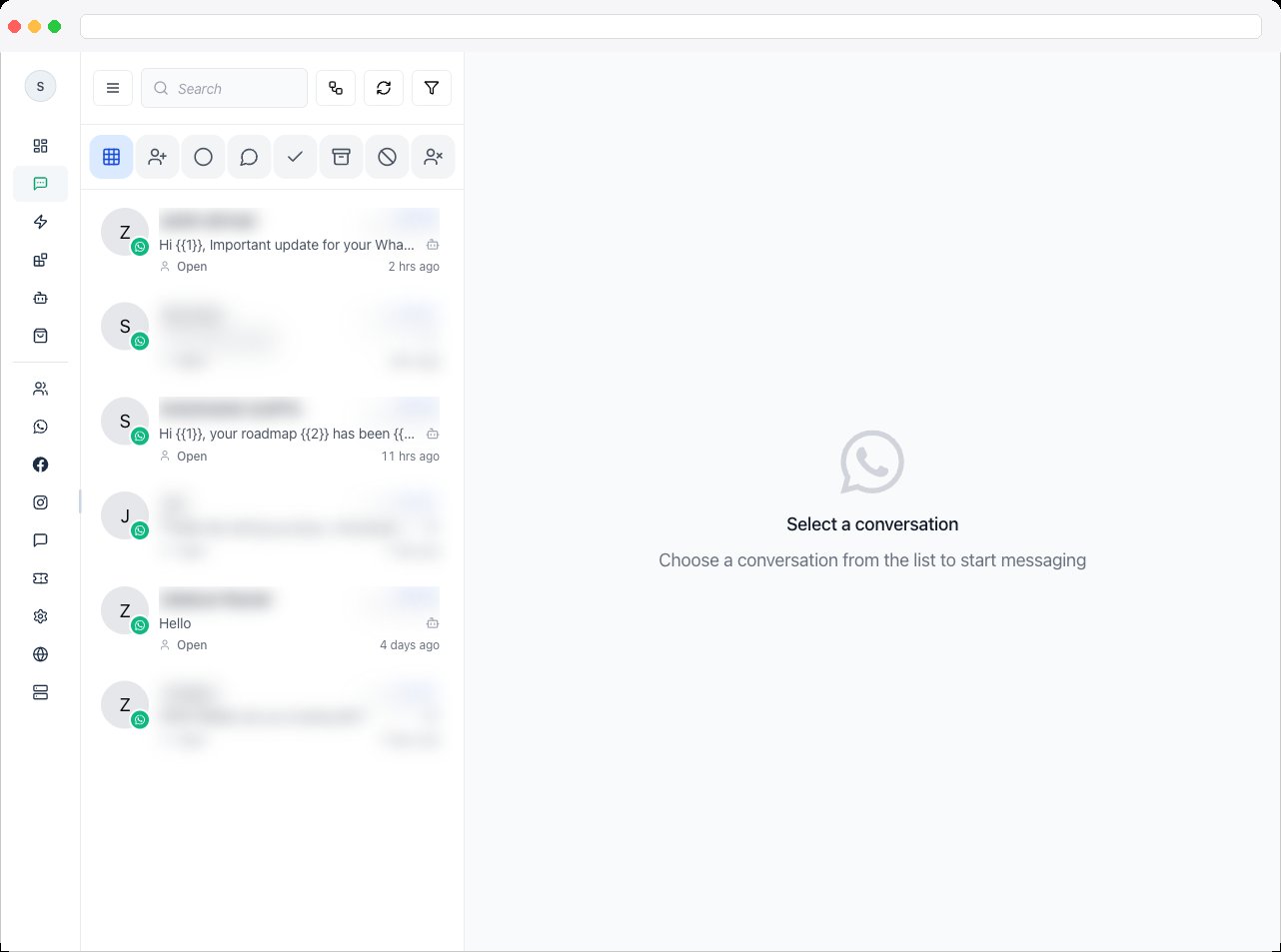
What can I do here?
- View all conversations — one list across your connected channels gives a complete picture of incoming and ongoing interactions without switching screens
- Identify what needs attention — unread badges, timestamps, and last-message previews highlight new or recently active conversations, so urgent messages don’t get buried
- Prioritize — choose which conversation to handle next based on recency, status, or importance
- Switch instantly — move between conversations without leaving Inbox, with Notes preserved in each thread’s history
- Load more — scroll to the bottom and use Load more conversations to bring in older ones
How to use it
- Open Inbox from the sidebar. The list loads for the active channel.
- Narrow the list with the status tabs and filters — see Conversation Controls.
- Scan each item. Each shows the contact, a last-message preview, the time, an unread indicator, and a status of Open, Resolved, or Archived. Instagram conversations also flag when the customer shared a Reel or post or mentioned you in their story. Telegram conversations show a Telegram badge — see Telegram in the Inbox.
- Click a conversation to open it in Conversation View.
Lead offers
When an automation or an AI agent uses First to claim assignment, the chat isn’t given to one person. Instead a Lead offers card appears at the top of the list for everyone who can claim it, showing the contact’s name and channel — never the messages — and a New lead to claim line.- Click Claim lead. The first person to click wins: the chat is assigned to them, you see Lead claimed. It’s now assigned to you., and it appears in your own list.
- Everyone else’s offer disappears. If someone beat you to it you see Someone else already claimed this lead., or This lead is no longer available. if it was assigned another way or expired.
The list is the entry point for all Inbox work. It reduces searching, prevents opening the wrong thread, and keeps your workflow focused.
Troubleshooting / Technical Notes
- A Lead offers card disappeared. Someone else claimed it, it was assigned another way, or it expired.
- A conversation is missing. Check the active tab — a conversation can be under Archived Chats, Resolved Chats, Blocked Contacts, or Unsubscribed Contacts rather than All Conversations — and clear any filters.
- Phone numbers or emails are hidden. Your account has masking turned on for contact details.