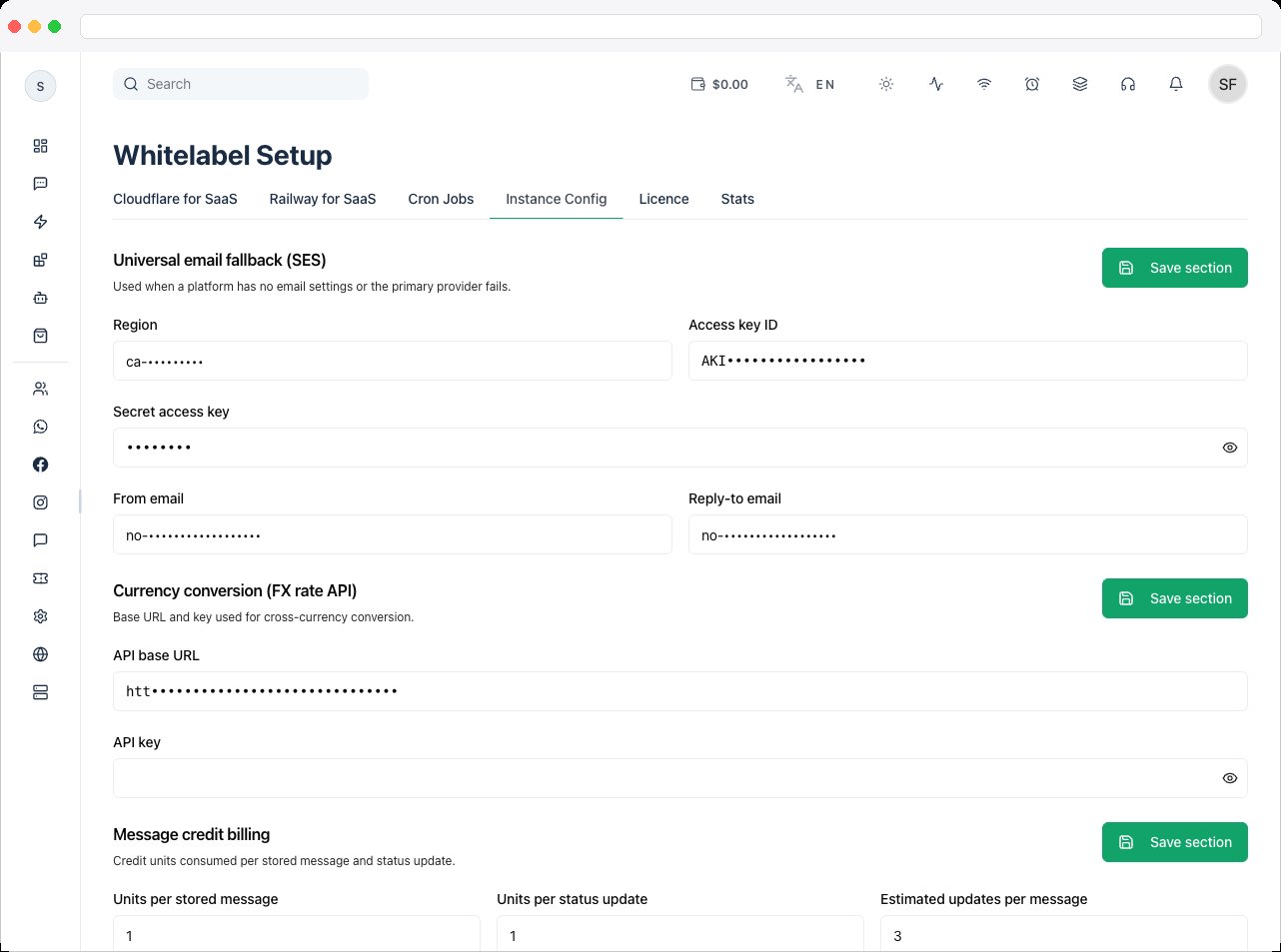
Included with every self-managed instance. This tab is part of Whitelabel Setup.
What is this?
The Instance Config tab holds instance-wide settings that aren’t tied to a specific cron job — a fallback email sender, a currency-conversion API, message-credit billing units, and a read-only status panel written by background processes. Changes here apply without a restart.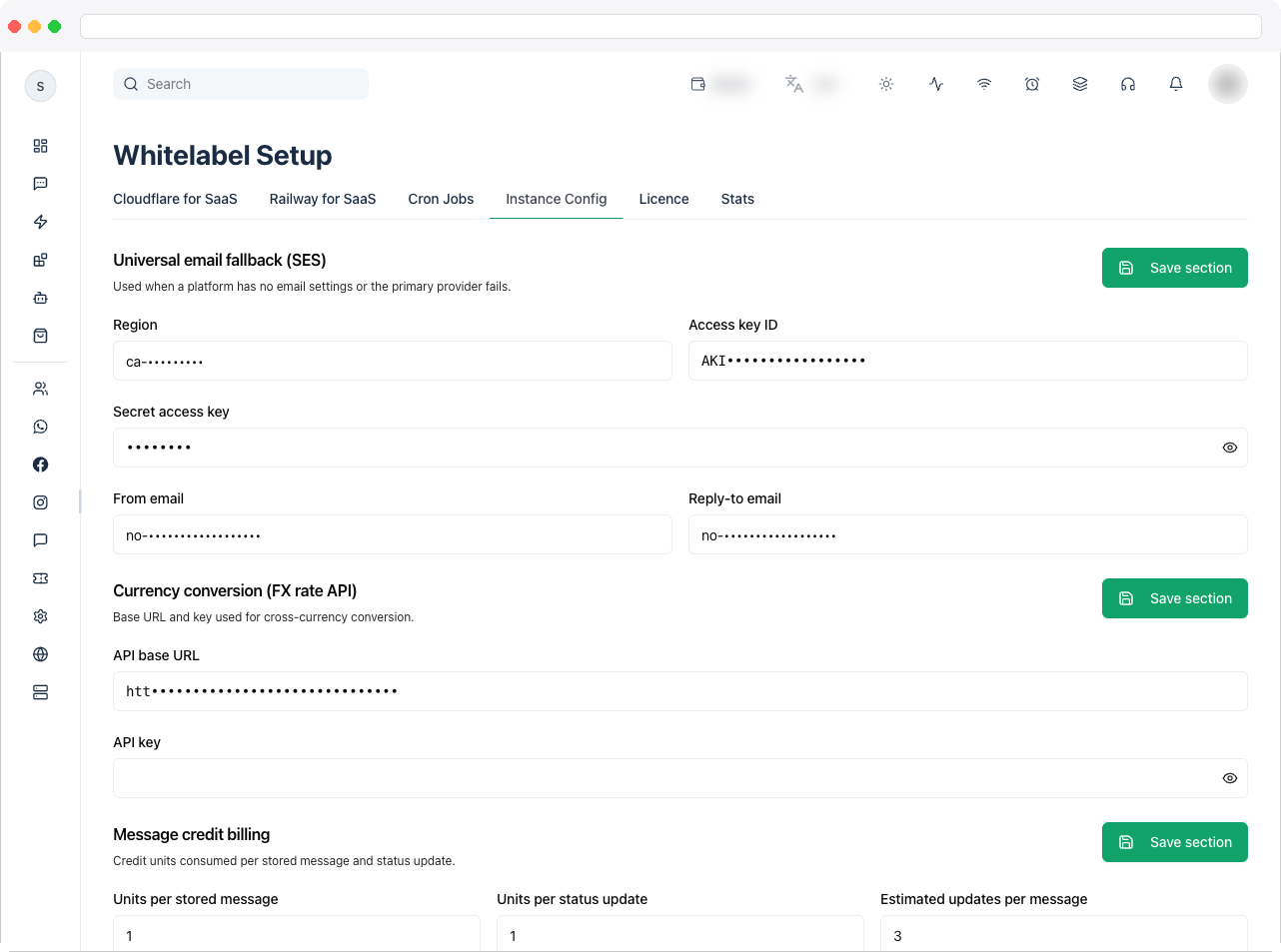
What can I do here?
Universal email fallback (SES) — used when a platform has no email settings configured, or its primary provider fails:- Region (e.g.
ap-south-1) - Access key ID
- Secret access key
- From email
- Reply-to email
- API base URL (e.g.
https://open.er-api.com/v6/latest) - API key
- Units per stored message
- Units per status update
- Billable statuses (comma separated) — which WhatsApp status-update events (e.g.
sent, delivered, read, failed) count toward billing. - Estimated updates per message
- Worker heartbeat — status, role, PID, and last-seen time of the background health worker.
- Platform capacity records — total messages sent all-time, peak combined throughput, and when it was last sampled.
How to use it
-
Scroll to the Universal email fallback (SES) card and fill in your AWS SES Region, Access key ID, Secret access key, From email, and Reply-to email. Click Save section on that card to save just this section.
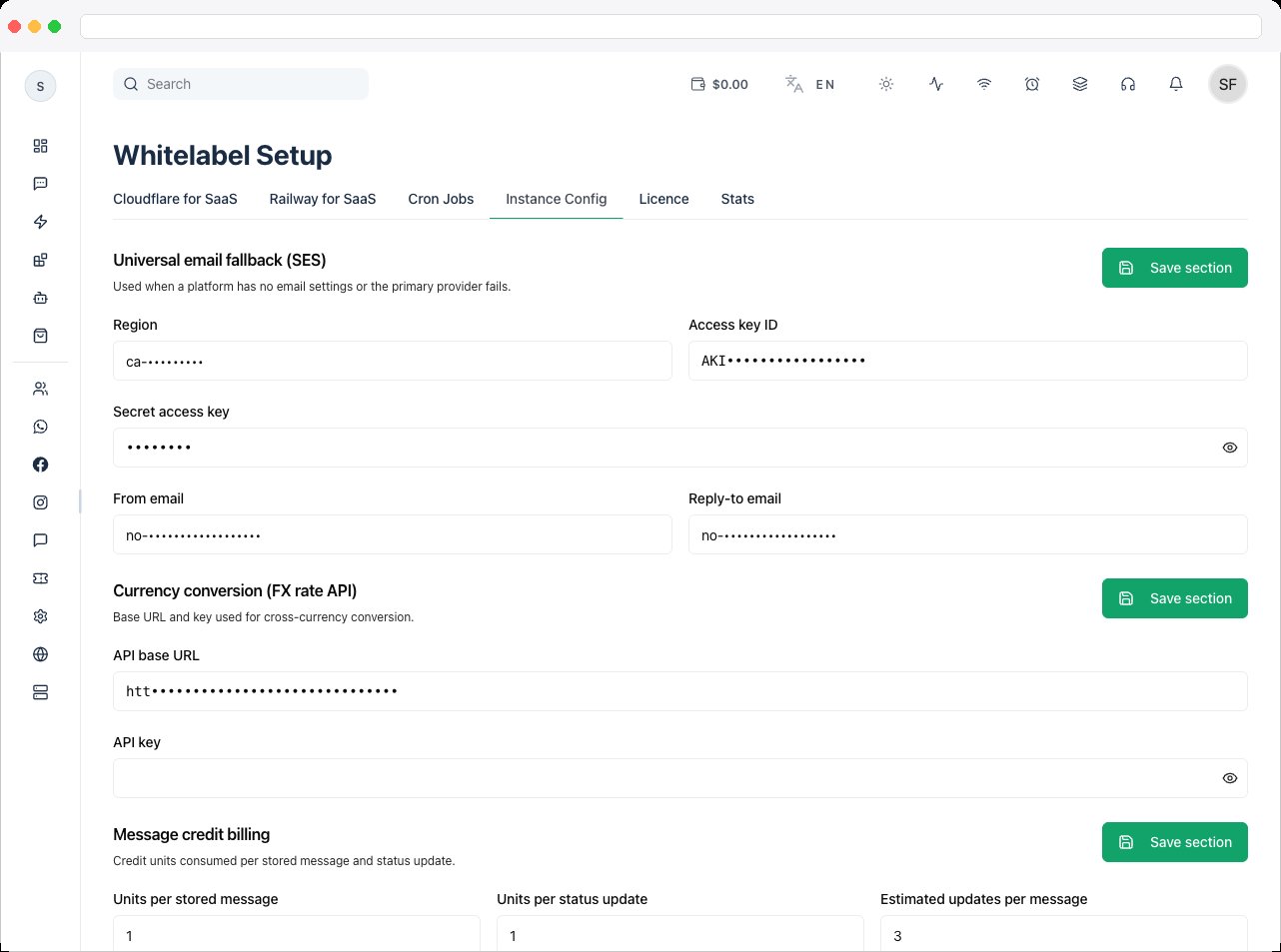
- Scroll to the Currency conversion (FX rate API) card and enter the API base URL and API key for your exchange-rate provider. Click Save section.
-
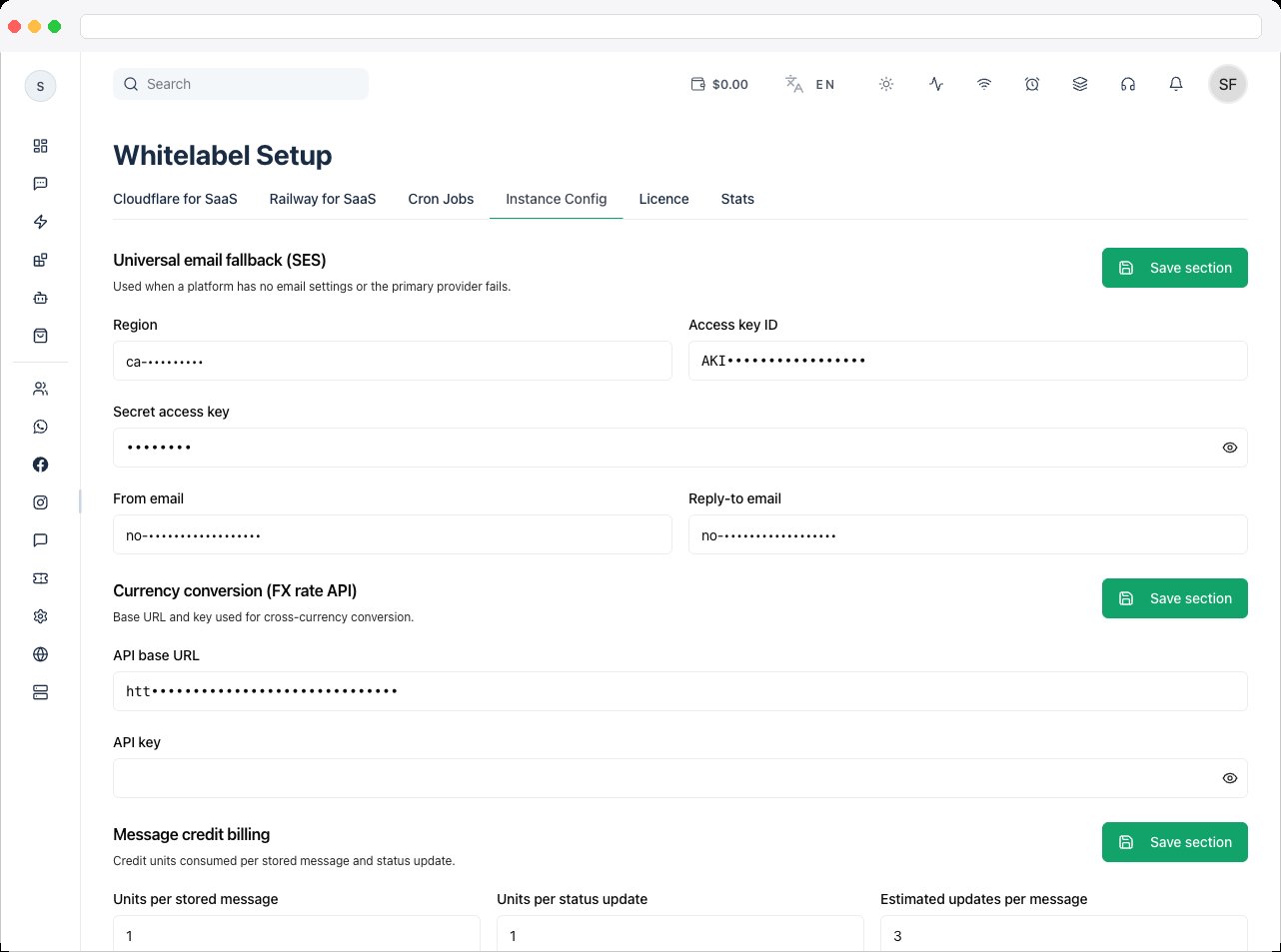
Scroll to the Message credit billing card and set Units per stored message, Units per status update, Billable statuses (comma separated), and Estimated updates per message. Click Save section.
-
Review the Read-only instance status card at the bottom to confirm the worker heartbeat is recent and check platform capacity numbers — these fields aren’t editable and are for diagnostics only.