

What is this?
Whitelabel Setup is the control center for the low-level infrastructure and licensing behind a self-managed instance — custom domain proxying, background job scheduling, instance-wide fallback services, license status, and server health. You’ll find it at Platform → Instance → Whitelabel Setup. It opens as a single page with six tabs across the top.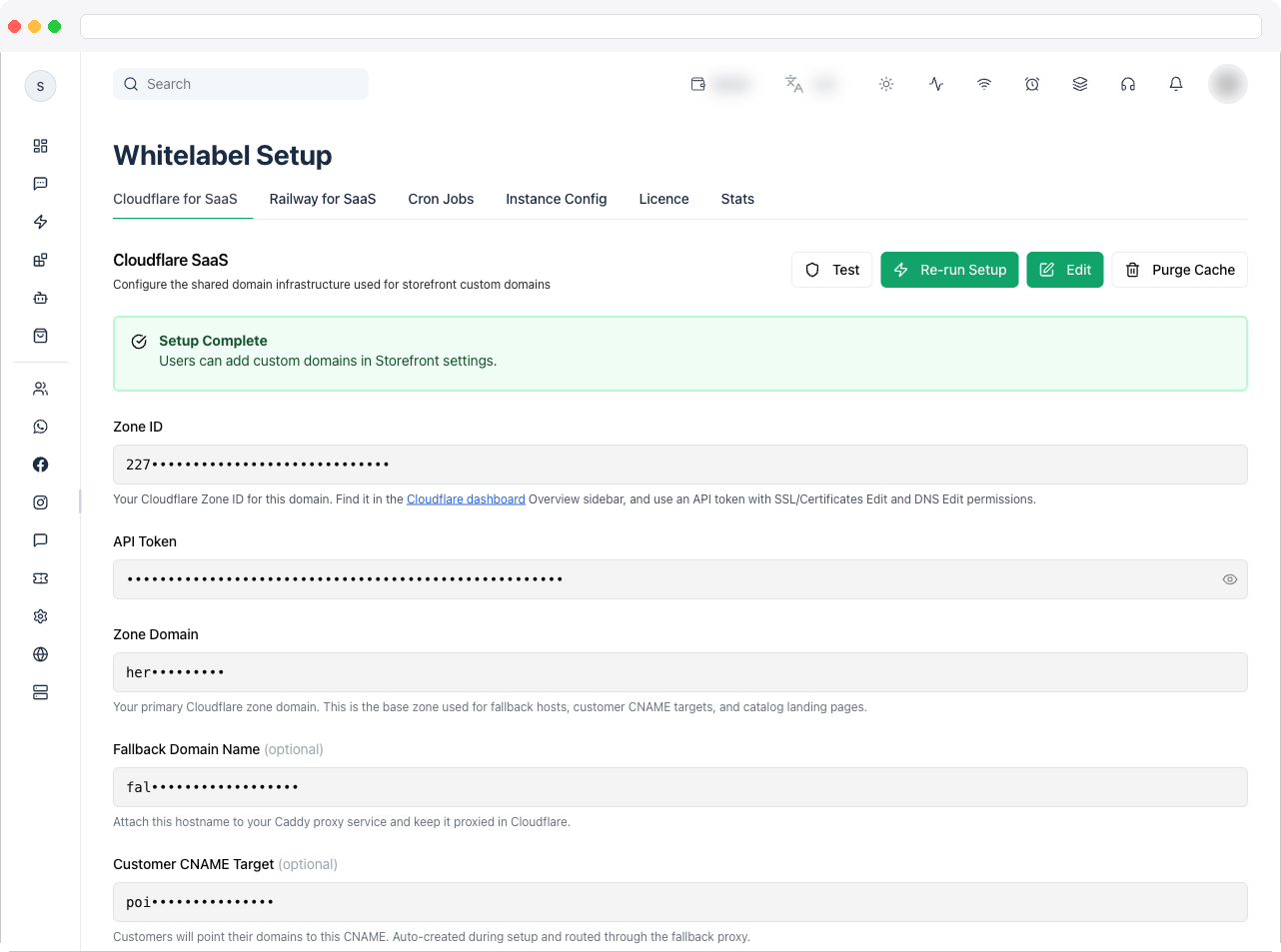
Whitelabel Setup is included with every self-managed instance and is only visible to platform owners. One tab, Railway for SaaS, is part of the White-Label add-on — see the Self-Hosted overview.
What can I do here?
Each tab has its own documentation page, listed in the same order as the tabs in the app:How to use it
- Go to Platform → Instance → Whitelabel Setup.
- Start with Licence to confirm what your instance is licensed for, including whether the White-Label add-on is active.
- Set up your domain onboarding path — Cloudflare for SaaS, or Railway for SaaS if you have the White-Label add-on.
- Review Cron Jobs and Instance Config for background jobs and fallback services.
- Check Stats regularly to keep an eye on server health.
Troubleshooting / Technical Notes
- The Whitelabel Setup page isn’t visible. It’s only shown to platform owners on a self-managed license.
- The Railway for SaaS tab is missing. It’s part of the White-Label add-on. Use Cloudflare for SaaS, or contact support to add the White-Label add-on.
- A tab shows a license or permission message. Check the Licence tab first.