

What is this?
The Railway for SaaS tab lets you optionally onboard whitelabel customer domains through Railway instead of Cloudflare.Requires the White-Label add-on. This tab is part of the White-Label add-on. Without it, the tab doesn’t appear in Whitelabel Setup — use Cloudflare for SaaS instead. See the Self-Hosted overview to compare the two levels.
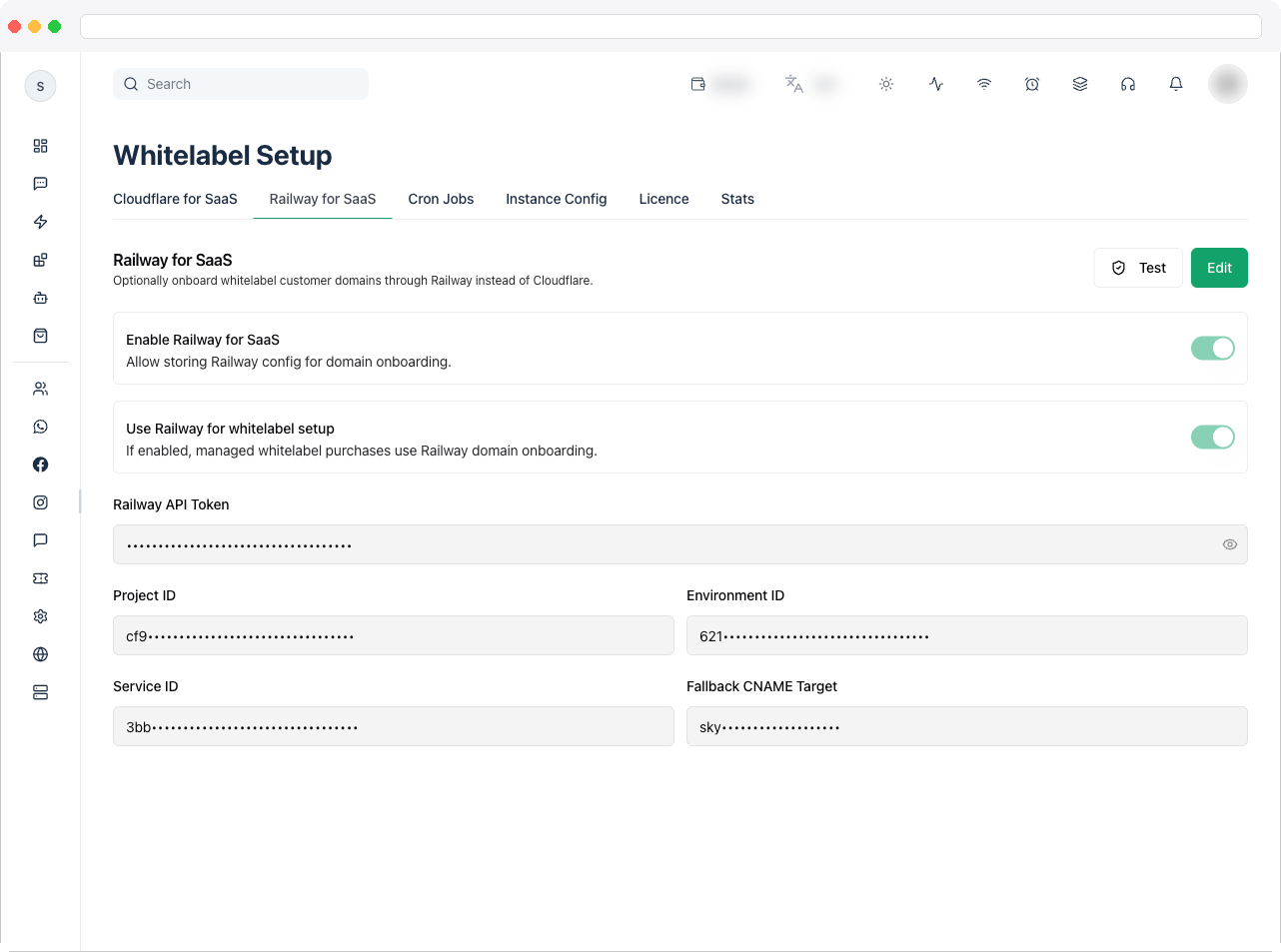
What can I do here?
- Toggle Enable Railway for SaaS — allow storing Railway config for domain onboarding.
- Toggle Use Railway for whitelabel setup — if enabled, managed whitelabel purchases use Railway domain onboarding instead of Cloudflare.
- Enter your Railway API Token.
- Enter your Project ID, Environment ID, and Service ID for the Railway project that should host onboarded domains.
- Enter a Fallback CNAME Target (e.g.
example.up.railway.app). - Click Test to verify the Railway API Token is valid (confirms the connected account).
- Click Edit to unlock the fields, then Save to persist changes (or Cancel to discard).
How to use it
- Click Edit to unlock the form.
-
Paste your Railway API Token.
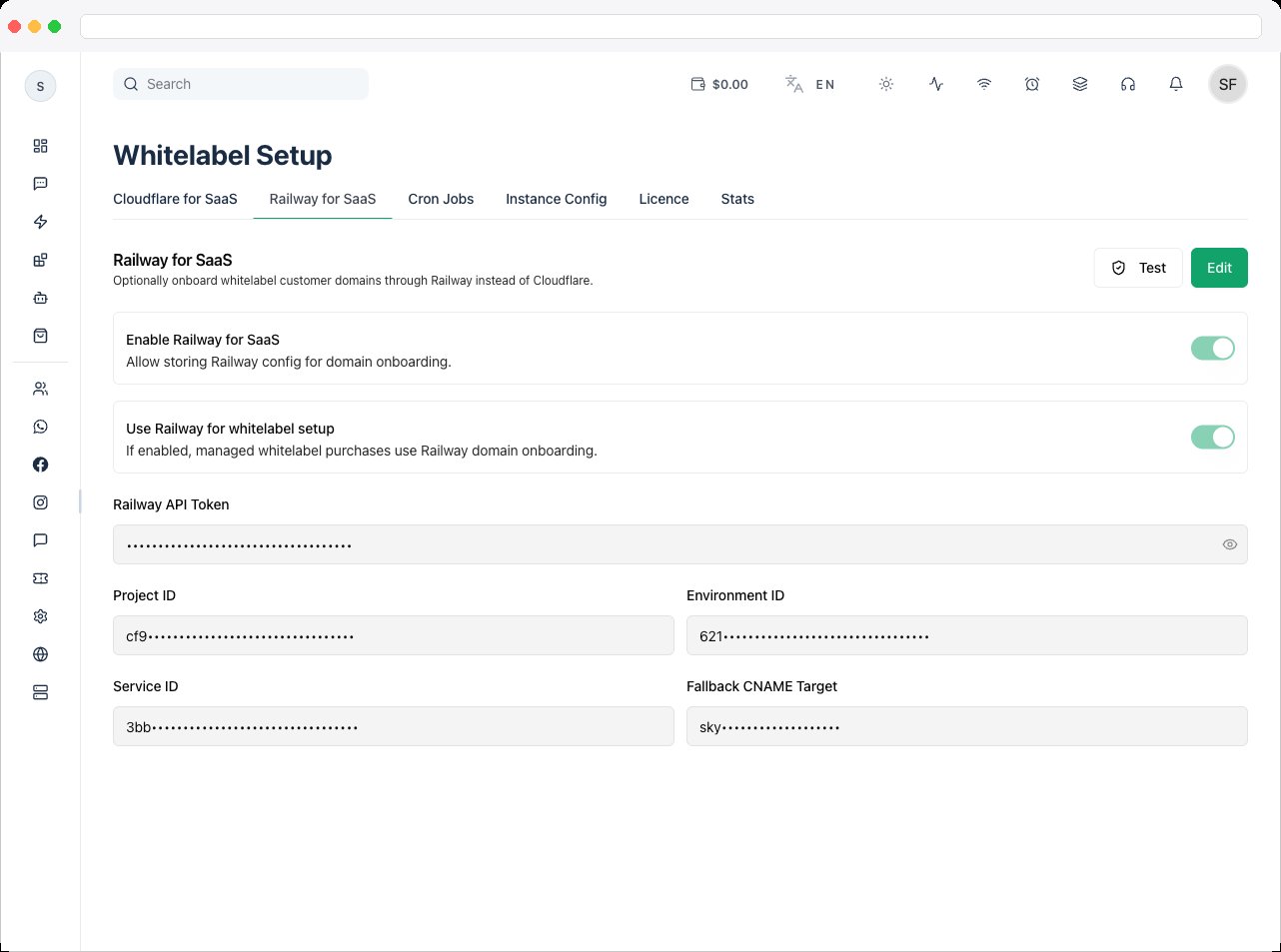
- Fill in the Project ID, Environment ID, and Service ID for the Railway service that will handle onboarded domains.
-
Set the Fallback CNAME Target — the Railway-provided hostname (e.g.
example.up.railway.app) that customer CNAMEs should point to. - Turn on Enable Railway for SaaS to activate the integration.
- If you want new whitelabel purchases to use Railway (rather than Cloudflare) for domain onboarding, also turn on Use Railway for whitelabel setup.
- Click Save.
- Use Test at any time afterward to confirm the API token still authenticates successfully against Railway.