

What is this?
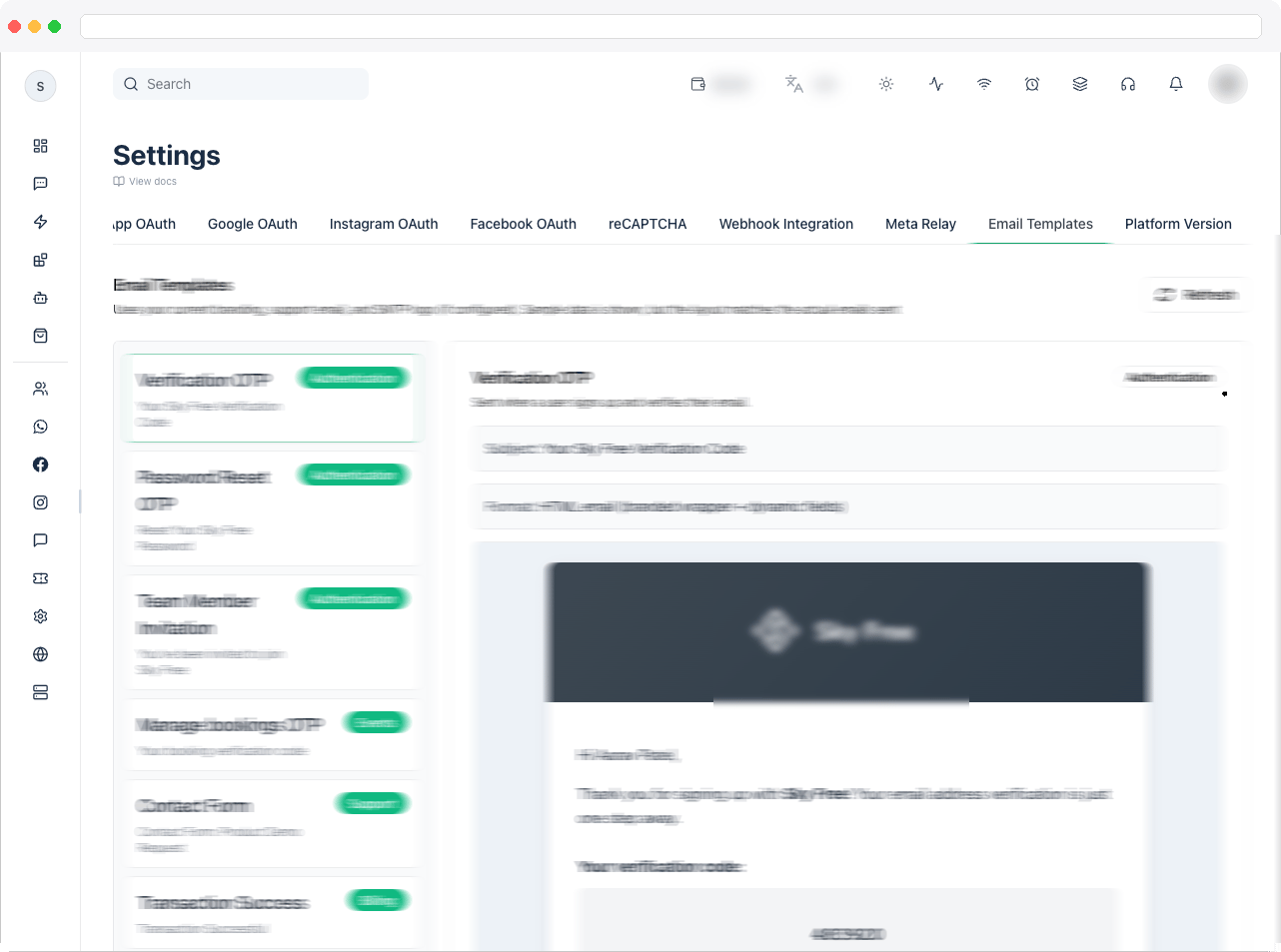
Email Templates shows a preview of the system emails your platform sends — such as verification, subscription, and transaction messages — so you can see exactly what users receive.This tab is preview-only. Email templates can’t be edited from here.
What can I do here?
- Browse the list of available system email templates
- See each template’s Subject and Format
- Preview how the email renders
- Click Refresh to reload the previews
How to use it
- Go to Platform Settings → Email Templates.
- Scroll through the list and review each template’s Subject and rendered body.
- Click Refresh if the list looks out of date.
Troubleshooting / Technical Notes
- “Failed to load email template previews.” Click Retry. If it keeps failing, reload the page.
- “No email templates available for preview.” No templates are available for your instance yet.
- I need to change an email’s wording. Templates can’t be changed on this page.