

What is this?
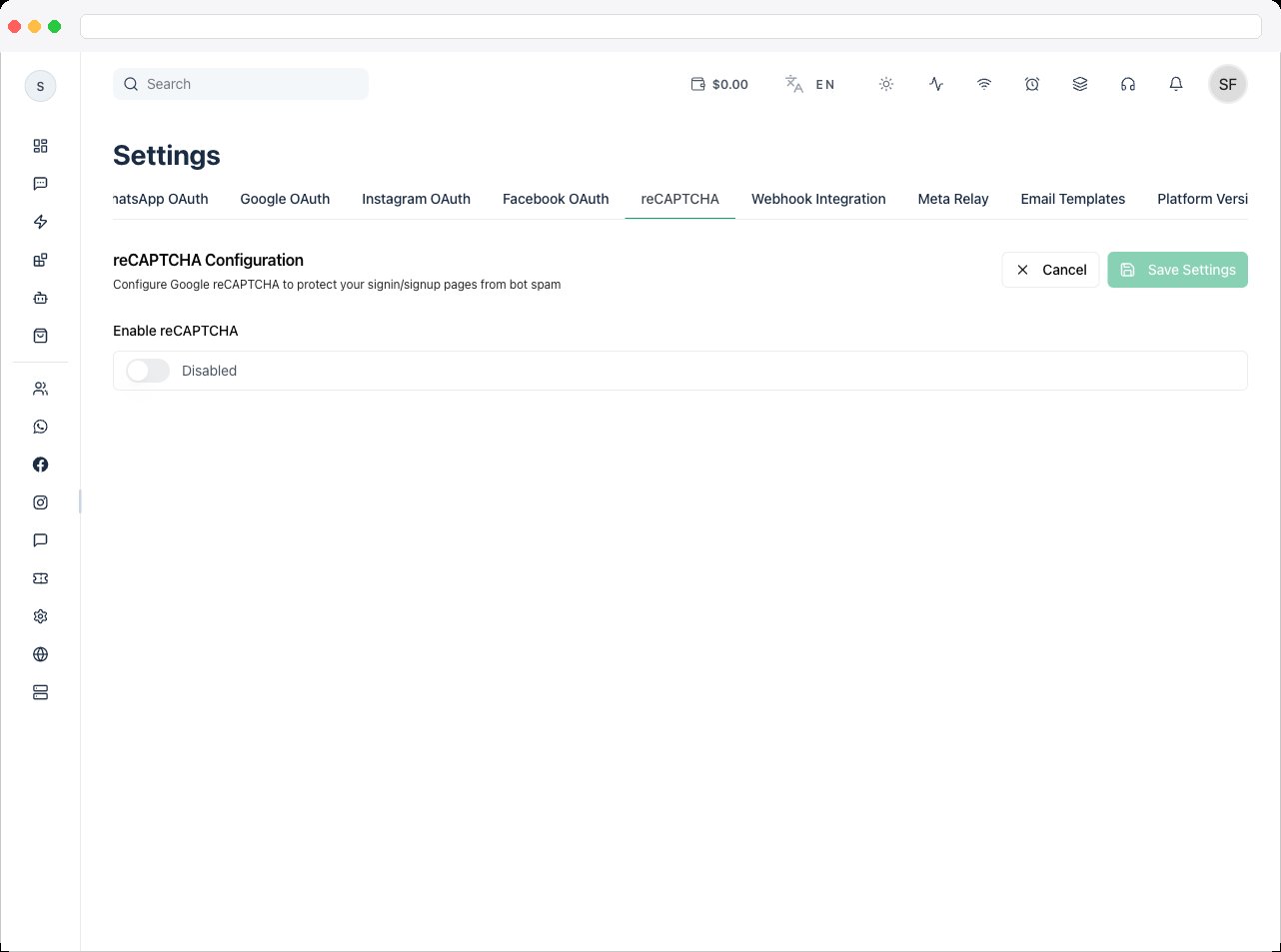
The reCAPTCHA tab (page heading Bot Protection Configuration) adds bot protection to your platform’s authentication pages, so only real people can sign in, register, or reset a password. You can protect those pages with either Cloudflare Turnstile (recommended) or Google reCAPTCHA.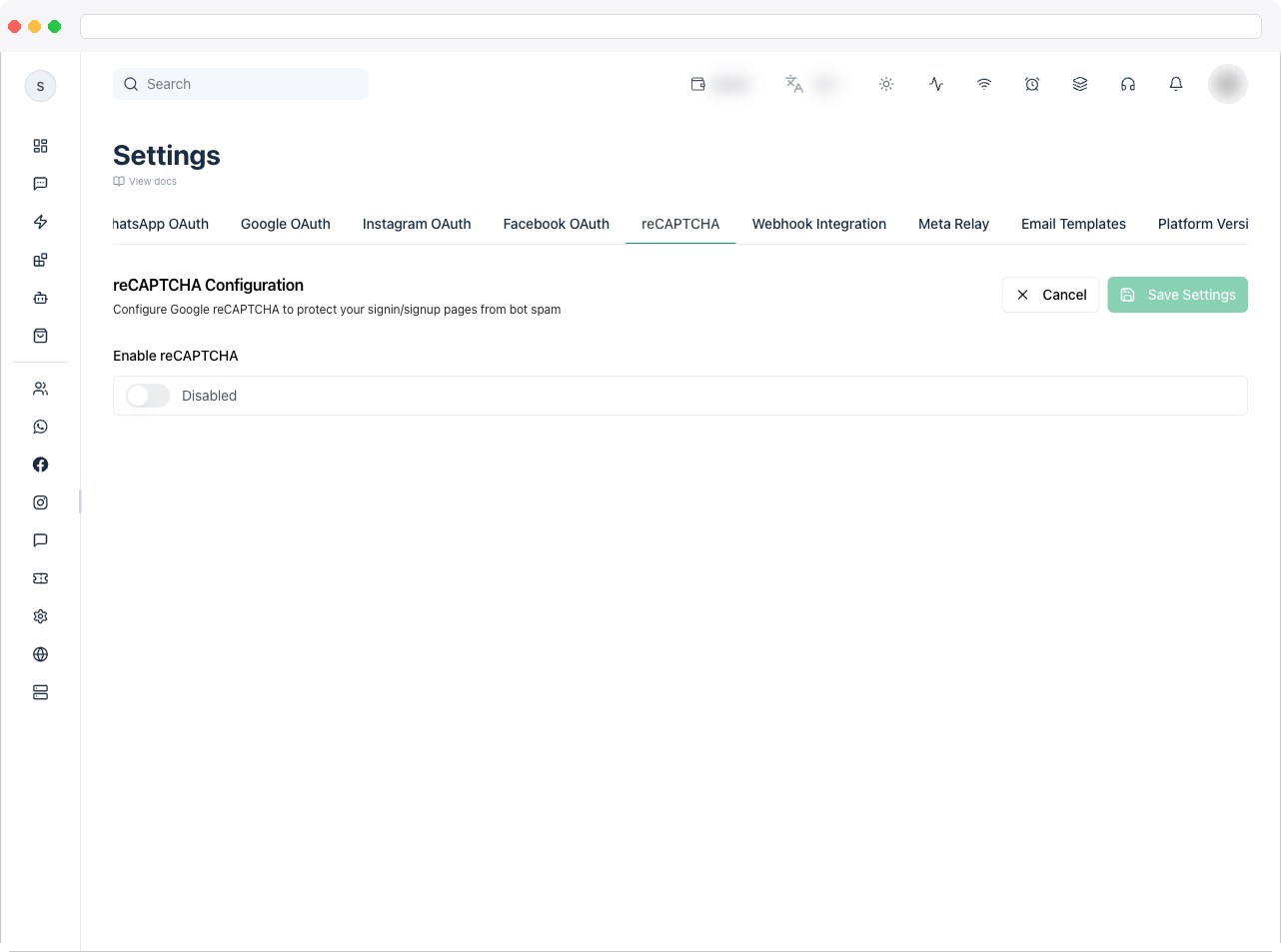
What can I do here?
- Turn bot protection on or off with Enable bot protection
- Choose the Provider: Cloudflare Turnstile (recommended) or Google reCAPTCHA
- For Google reCAPTCHA, choose the reCAPTCHA version: v2 – Checkbox or v3 – Invisible
- Enter your Site key (public) and Secret key (private), and copy the site key with the copy button
- Turn on Strict Mode (Google reCAPTCHA v3 only)
- Choose where protection applies under Apply protection to: — Login Page, Signup Page, and Reset Password Page
How to use it
Option A: Cloudflare Turnstile (recommended)
Turnstile is described in the app as free, privacy-friendly, and mostly invisible to real users.1
Create a Turnstile widget
Open the Cloudflare Turnstile dashboard (the app links to it as Cloudflare Turnstile under the key fields) and create a widget. Cloudflare gives you a site key and a secret key.
2
Add every hostname
Add every domain that serves your signup page to the widget’s hostname list in Cloudflare. If a domain is missing, the widget will not work on that domain.
3
Configure it in the platform
Go to Platform Settings → reCAPTCHA and click Edit Settings. Turn on Enable bot protection, select Cloudflare Turnstile (recommended) under Provider, paste the Site key (public) and Secret key (private), choose the pages under Apply protection to:, and click Save.
Option B: Google reCAPTCHA
1
Open the Google reCAPTCHA console
Go to google.com/recaptcha/admin.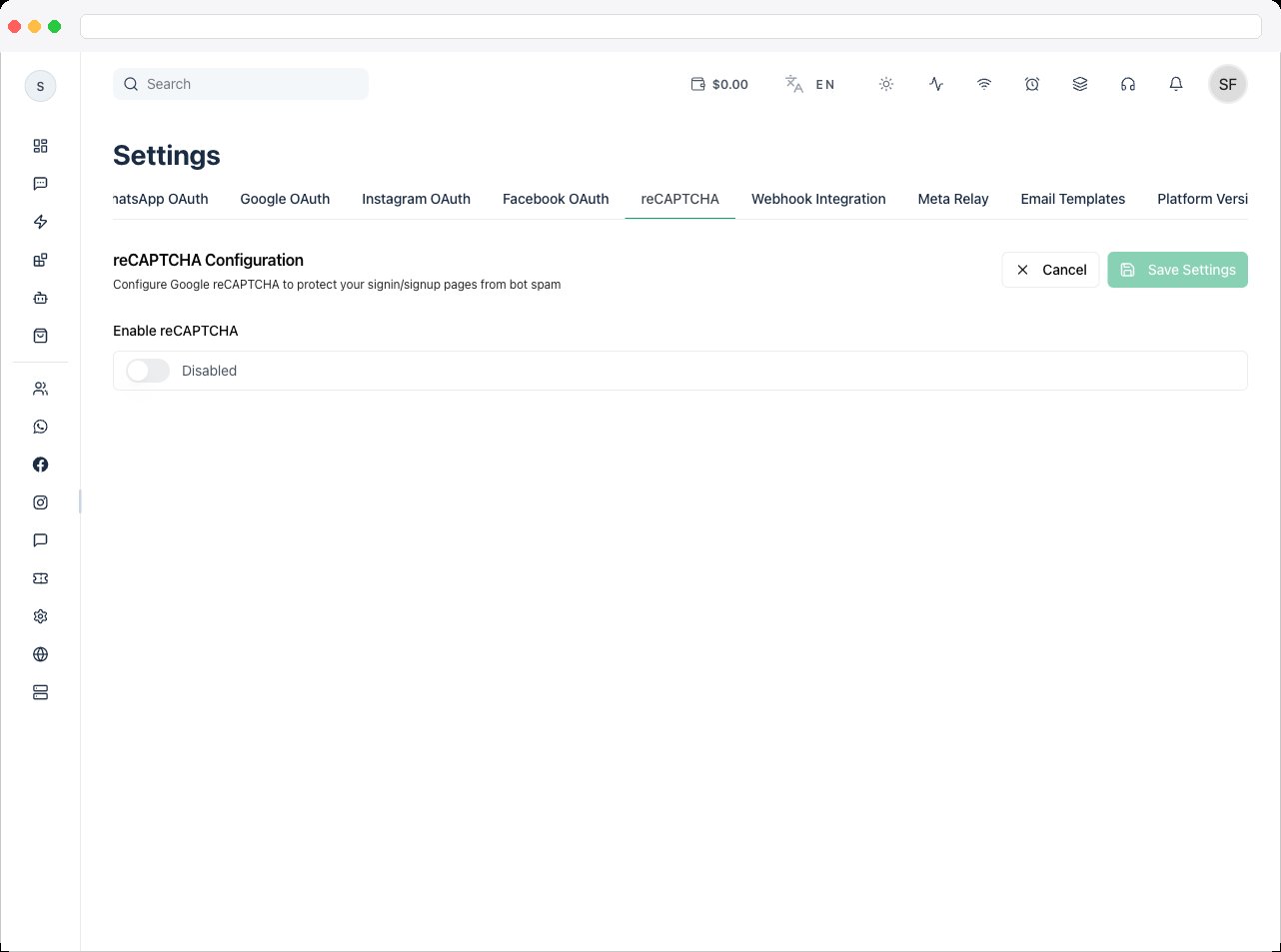
2
Register a new site
Enter a label (your project or domain name), choose the reCAPTCHA type — v2 (Checkbox) or v3 (Score-based) — add your domain (for example
yourdomain.com), accept the terms, and submit.3
Copy your keys
Google gives you a Site Key (public) and a Secret Key (private). You need both.
4
Configure it in the platform
Go to Platform Settings → reCAPTCHA and click Edit Settings. Turn on Enable bot protection, select Google reCAPTCHA under Provider, pick the reCAPTCHA version that matches the type you registered, paste the Site key (public) and Secret key (private), turn on Strict Mode if you need it (v3 only), choose the pages under Apply protection to:, and click Save.
Choosing a reCAPTCHA version
The version must match the key type you created in the Google reCAPTCHA console, otherwise the widget shows “Invalid key type”. Turnstile has no version choice.
Strict Mode
Strict Mode appears only for Google reCAPTCHA v3. It requires a higher confidence score (0.7+) instead of 0.5+. It catches more bots but may block some real users. Turn it on if your platform sees high spam activity.Troubleshooting / Technical Notes
- “Please enter both the site key and secret key when enabling bot protection.” Both keys are required before you can enable it.
- Existing setup was reCAPTCHA and I want to switch to Turnstile. Choose Cloudflare Turnstile (recommended) under Provider, replace the keys with the Turnstile site and secret keys, and click Save. Google keys do not work with Turnstile and the reverse.
- The Turnstile widget doesn’t appear or fails on a page. Add every domain that serves your signup page to the widget’s hostname list in Cloudflare, and check that the site key and secret key are from the same widget.
- Users see “Invalid key type” with Google reCAPTCHA. The reCAPTCHA version selected here doesn’t match the key type created in the Google console. Select the matching version.
- Users see bot protection errors on a page. Confirm the domain is registered with your provider (Google console or Cloudflare widget).
- Real users are being blocked. Turn off Strict Mode, or apply protection to fewer pages.
- I can’t change anything. The fields are read-only until you click Edit Settings. Click Cancel to discard unsaved changes.
- “Failed to load bot protection settings.” Click Retry. If it keeps failing, reload the page.